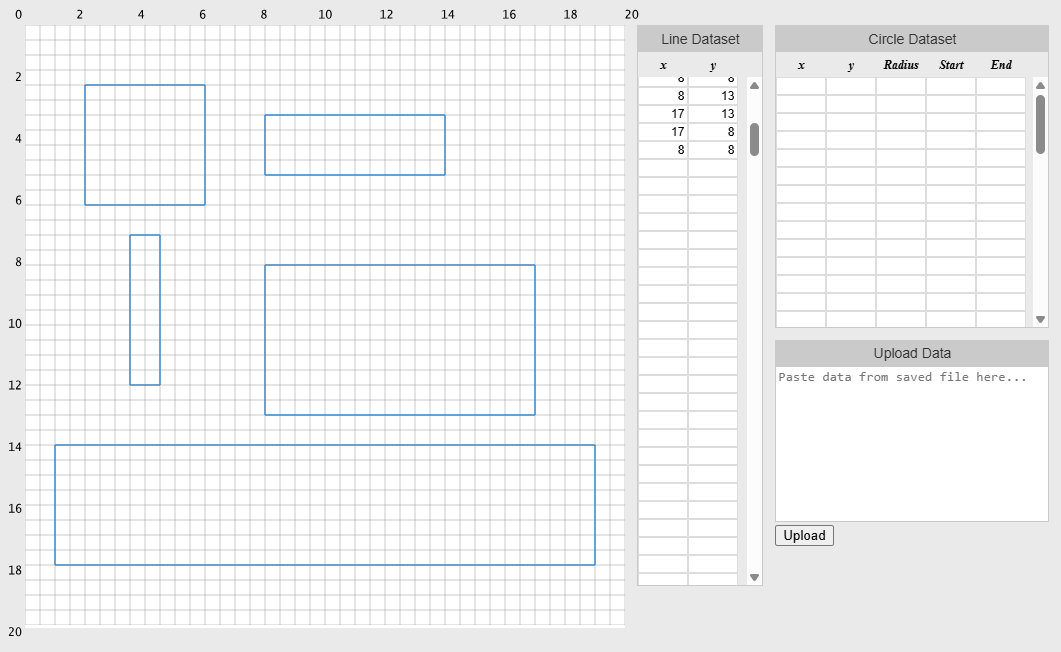
Overview
This quick tutorial shows you how to draw a rectangle in Artplotty Grid (or AP Grid or APG).
If you need to open APG, then click on the button below. APG will open in a new tab or window.
Steps to draw a rectangle in Artplotty
For the purpose of this lesson, click New to clear the canvas and all datasets.
Step 1 – Enter the points
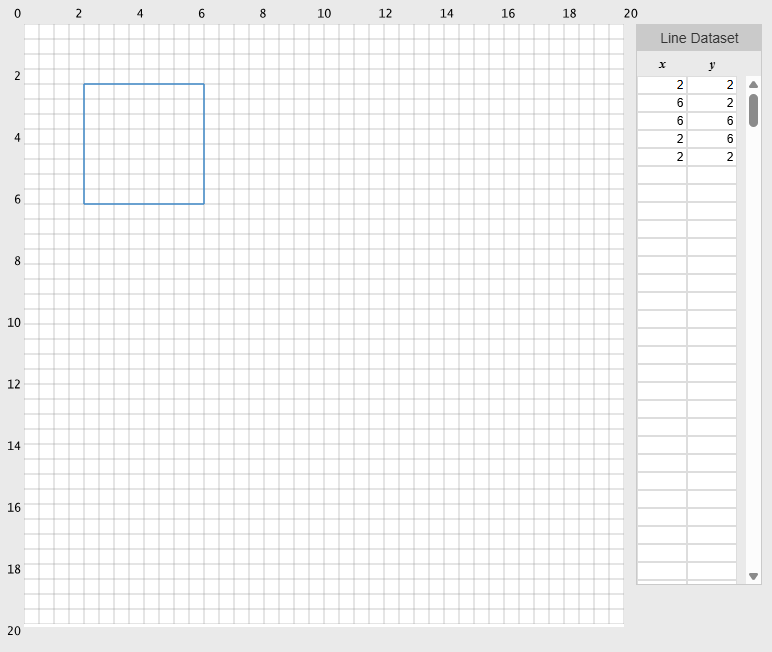
In the line dataset, enter the five points below. Pressing tab moves you to the next box.
- (2, 2)
- (6, 2)
- (6, 6)
- (2, 6)
- (2, 2)
If you make a mistake, fix it by entering the correct coordinates. After that, click Redraw from the menu. So, Redraw refreshes the screen and replots the coordinates. Thus, you do not need to start over.
As a result, your screen should look similar to the image below.
Draw multiple rectangles
So, simply skip a line in the dataset to create multiple rectangles. When you skip a line, it is like starting a new design.
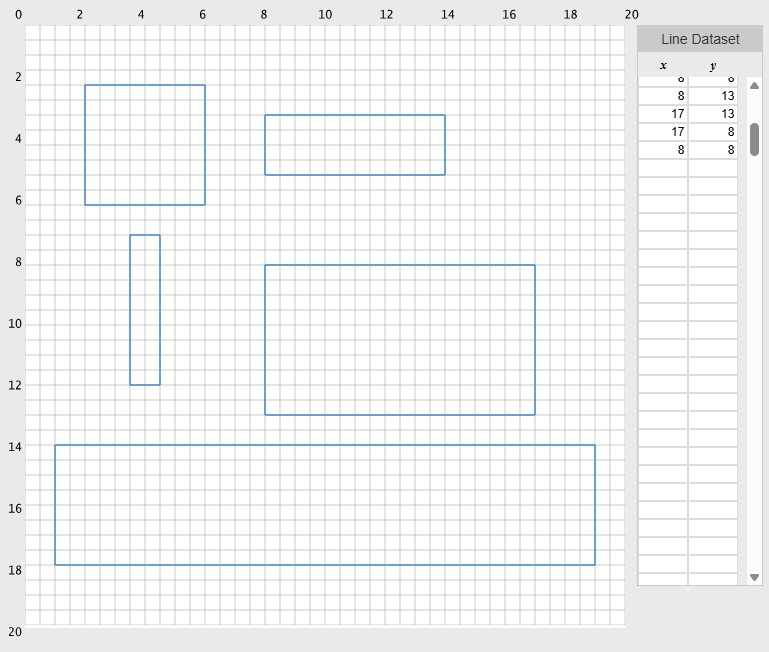
Create these rectangles
Now that you know how to create a rectangle, try creating these 2D boxes on a single canvas. They do not need to match the image. Basically, you want to make sure you understand the concept.
Start Artplotty
Click on one of the buttons below to get started with Artplotty.
Related
- Create Custom Flywheel in PowerPoint – How to
- Create Pac-Man Figure in Artplotty Grid – How to
- Crop and Cut an Image in PowerPoint – How to video
- Design Codes for Artplotty Grid
- Design Fancy Square Faces Flywheel in PowerPoint – How to
- Flip Images in PowerPoint – How to Video
- Impossible Box in Artplotty Grid – How to
- Impossible Triangle in Artplotty Grid – How to