

If you are ready to use the tool, then click on the button below.
Requirements: Modern Internet browser
Table of contents
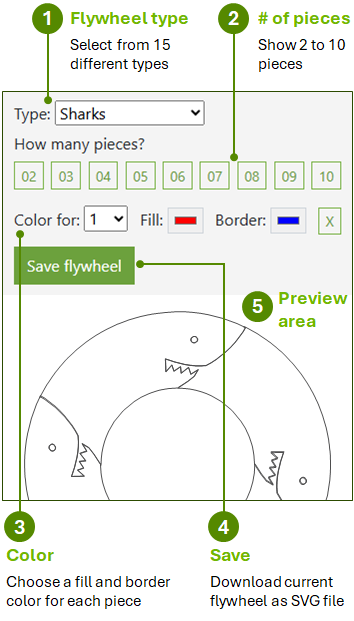
So, all you have to do is, select a type, number of pieces, and some colors. After that, click Save. It is just that easy.
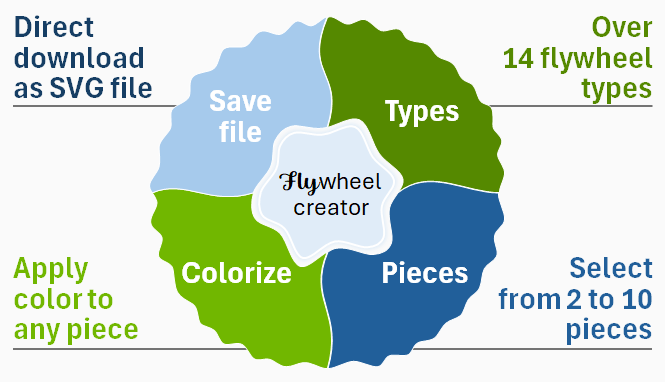
The Flywheel Creator is an online app that allows you to access various circular designs with multiple segments. It is similar to a donut chart with more creative appeal. In fact, we originally called this tool, the Donut Maker. However, since you cannot eat these items, it would possibly create issues for real donut makers.
Overall, there are at least 15 flywheel types, including rectangular designs.
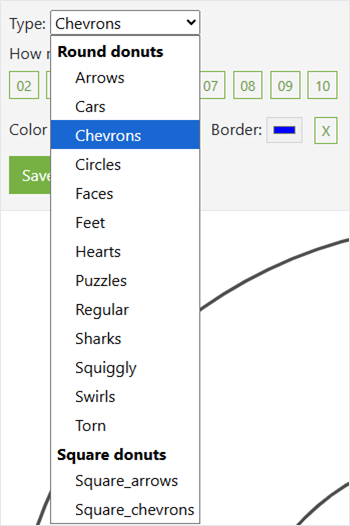
Here is the graphical view of the types list…
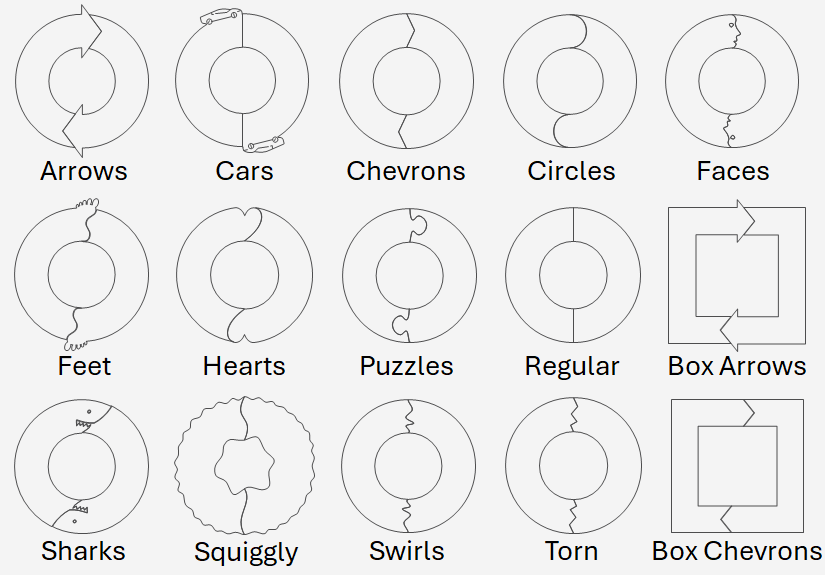
Some of these types are very artistic. People often use arrows, chevrons, circles, puzzles, and regular types. Depending on the project, you may also want to try cars, faces, sharks, and squiggly. The artistic types will definitely capture a person's attention.
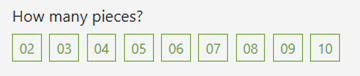
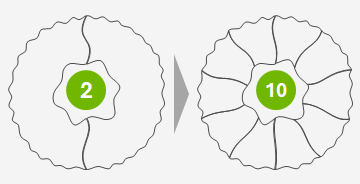
You have the option of selecting from 2 to 10 pieces for your flywheel. The pieces start at the top and rotate clockwise.
There are millions of colors to choose from with the Flywheel Creator.
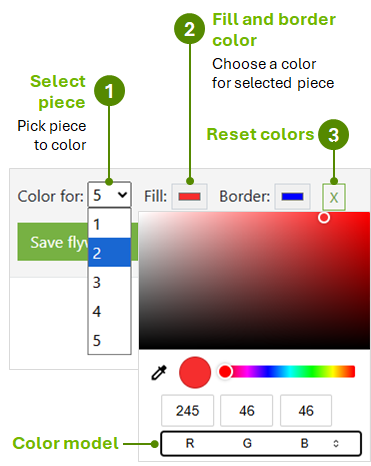
To select a piece, click a number from the "Color for" dropdown list. The first piece generally starts at the top-left. Some types may start on the top-right. After that, the sequence goes clockwise. So, once you color the first piece, you will know the position of the other pieces.
Click on one of the color buttons to change the fill or border color of the chosen piece. Depending on the browser, the color dialog box may look different. In the above image, we were using the Chrome browser. If you are using a modern browser, you should be able to select from millions of colors. Or, you can enter the RGB value directly.
Color model
The color model area allows you to change the color by RGB, HSL, or Hex value. Again, it all depends on your browser, where you access these items.
Click the X button to reset the colors for all pieces. This will revert back to the initial color settings.
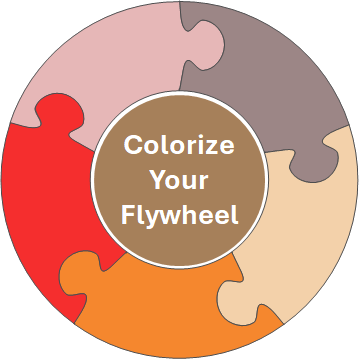
Clicking Save automatically downloads your flywheel to your system, whether on your computer or to a mobile device. On most devices, the file in the Downloads folder as an SVG file. Most likely, the filename will be donut.svg. So, make sure you know where downloaded files are saved on your system.
We have some great design samples to inspire you in your work with flywheels.


Click on the button below to see more unique flywheel creations.
To start using the Flywheel Creator, click on the button below.
Requirements: Modern Internet browser