Overview
This video tutorial shows you how to design fancy square faces flywheel in PowerPoint. Overall, it is a truly unique design. You cannot say you saw this one before. Well, hopefully not. We hope you enjoy it.
Use Flywheel Creator to design square faces
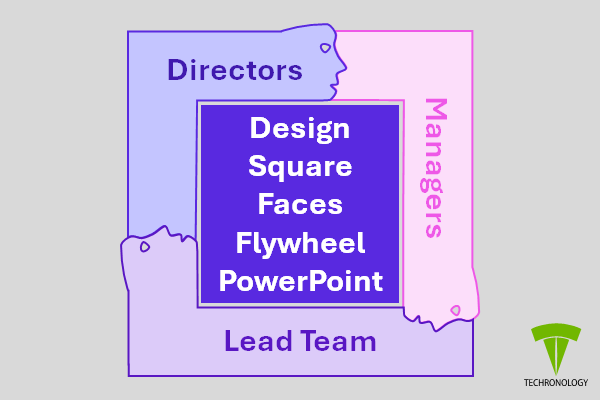
This design is great if you have team members or a deal going on. So, you can have one-line titles in the flywheel and list members on the side, etc. They will like your creativity.
Start Flywheel Creator
If you want to create a nice flywheel design too, then click on the button below.
Related
- Create Custom Flywheel in PowerPoint – How to
- Create Fancy Flywheel in PowerPoint – How to
- Crop and Cut an Image in PowerPoint – How to video
- Design the Shark Worm in PowerPoint – How to Video
- Draw a Rectangle in Artplotty Grid – How to
- FlyShapes Gallery
- Flywheel Design Samples
- Shadow Border in PowerPoint – How to Video
- The Human Face S-Curve in PowerPoint – How to Video