Overview
This quick video tutorial shows you how to create a shadow border in PowerPoint.
Shadow border in PowerPoint
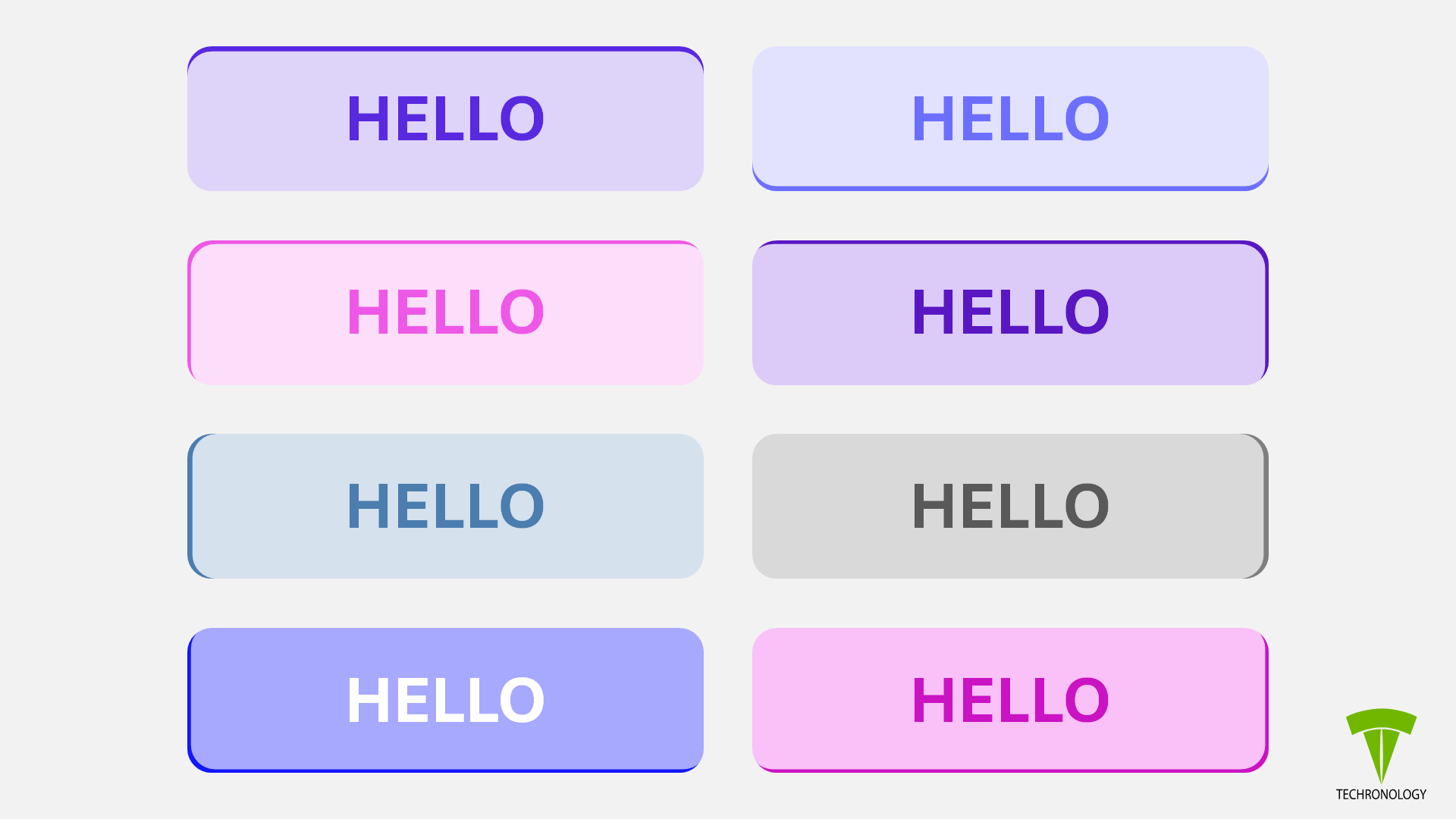
So, this type of effect provides a visually appealing feature to an ordinary shape. Also, it is a simple process.
The good part is that, this method keeps everything as one object, which keeps your file size low.
Specifications for borders
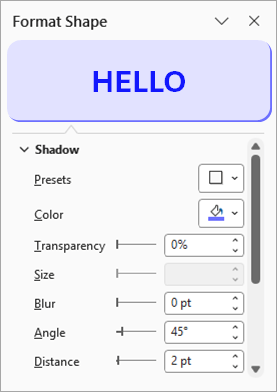
Below are specifications for the types of borders that we present in this publication. If you duplicate a shape and want to change the border, then enter a degree in the Angle field. This way, you will maintain the current style. Otherwise, select from one of the presets.
Top border
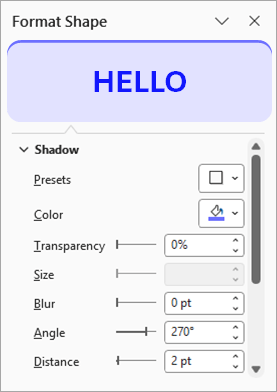
Bottom border
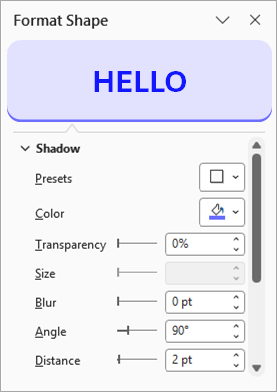
Top-left border
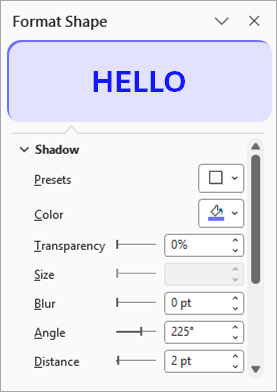
Top-right border
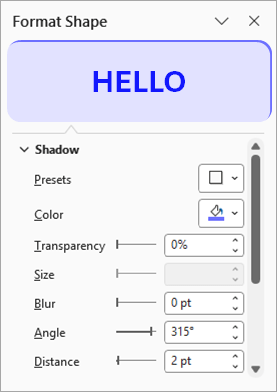
Left border
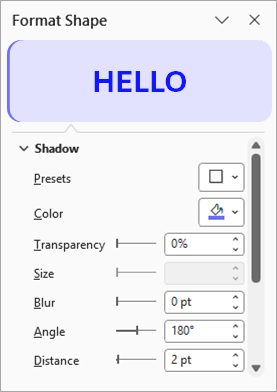
Right border
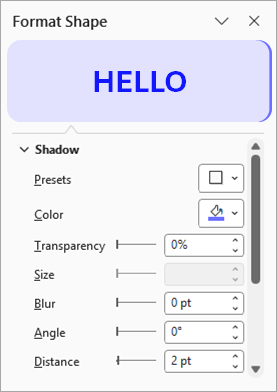
Bottom-left border
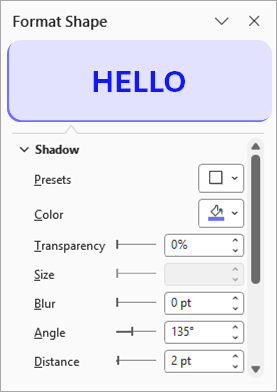
Bottom-right border
Related
- Create Fancy Flywheel in PowerPoint – How to
- Crop and Cut an Image in PowerPoint – How to video
- Design Fancy Square Faces Flywheel in PowerPoint – How to
- Design the Shark Worm in PowerPoint – How to Video
- Draw a Rectangle in Artplotty Grid – How to
- Flywheel Design Samples
- The Human Face S-Curve in PowerPoint – How to Video