Create professional digital donut designs
Electronic version
Make your work better with the electronic Donut Maker online app.
If you are already familiar with the Donut Maker, then launch it and go for what you know.
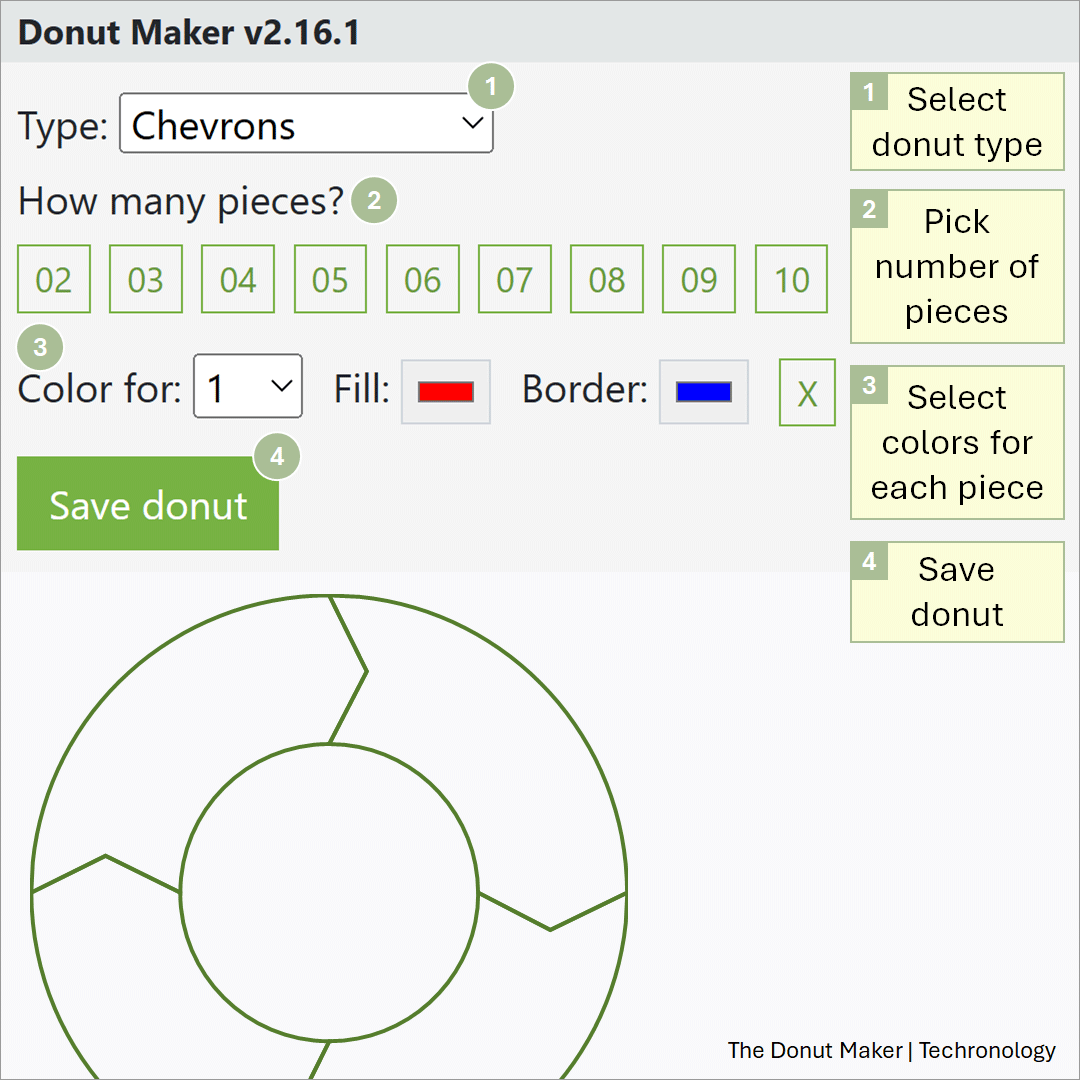
The Donut Maker is an online app that allows you to easily create shapes with holes in the middle.
Overall, it is an easy process. All you have to do is:
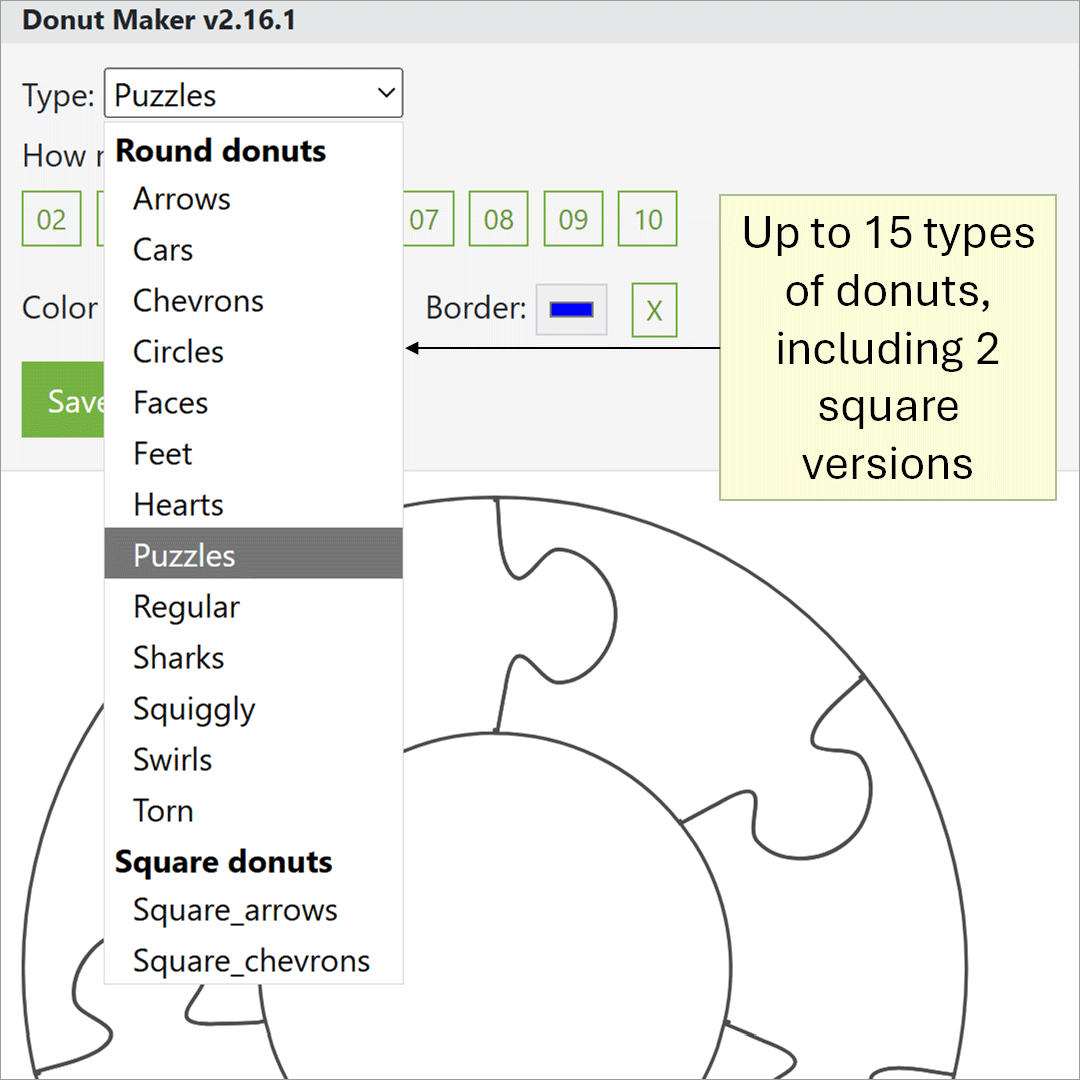
So, you have the option of selecting from 15 donut types, including two square types.
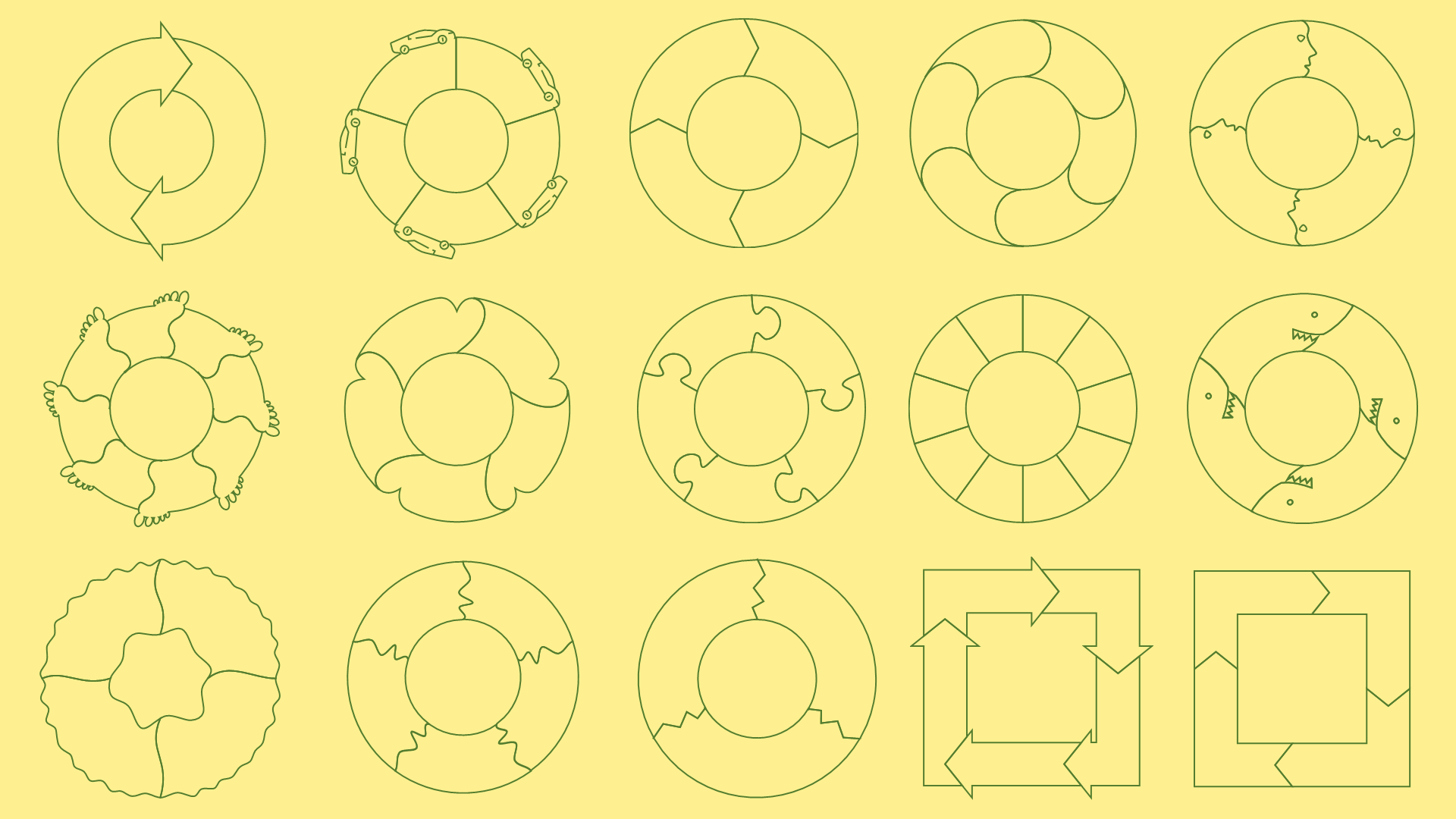
The common types include: Arrows, chevrons, puzzles, and regular. We also think circles is a regular type.
Some fancier types may require a little more imagination. A few are out of this world.
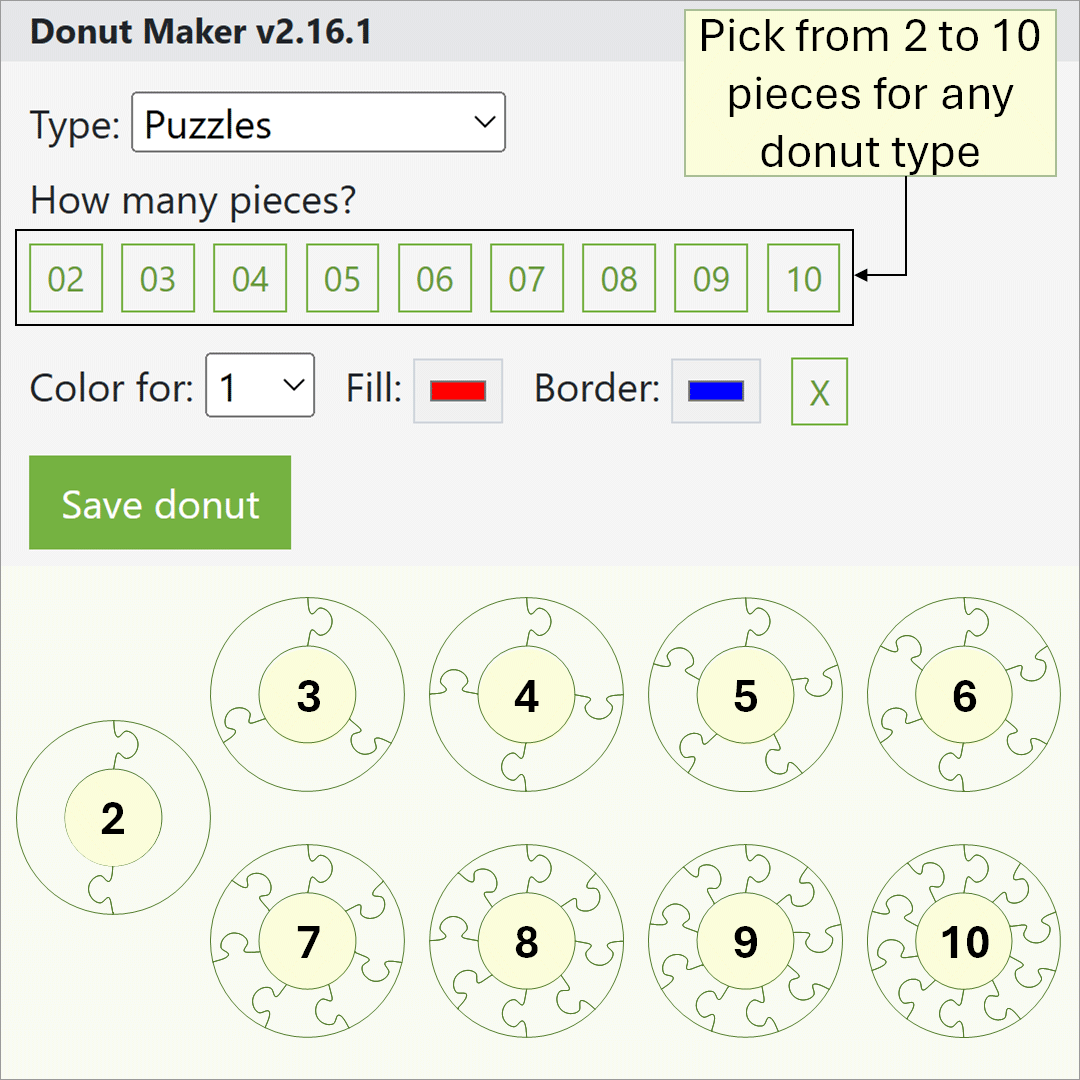
For every donut type, you have the option of displaying from 2 to 10 pieces.
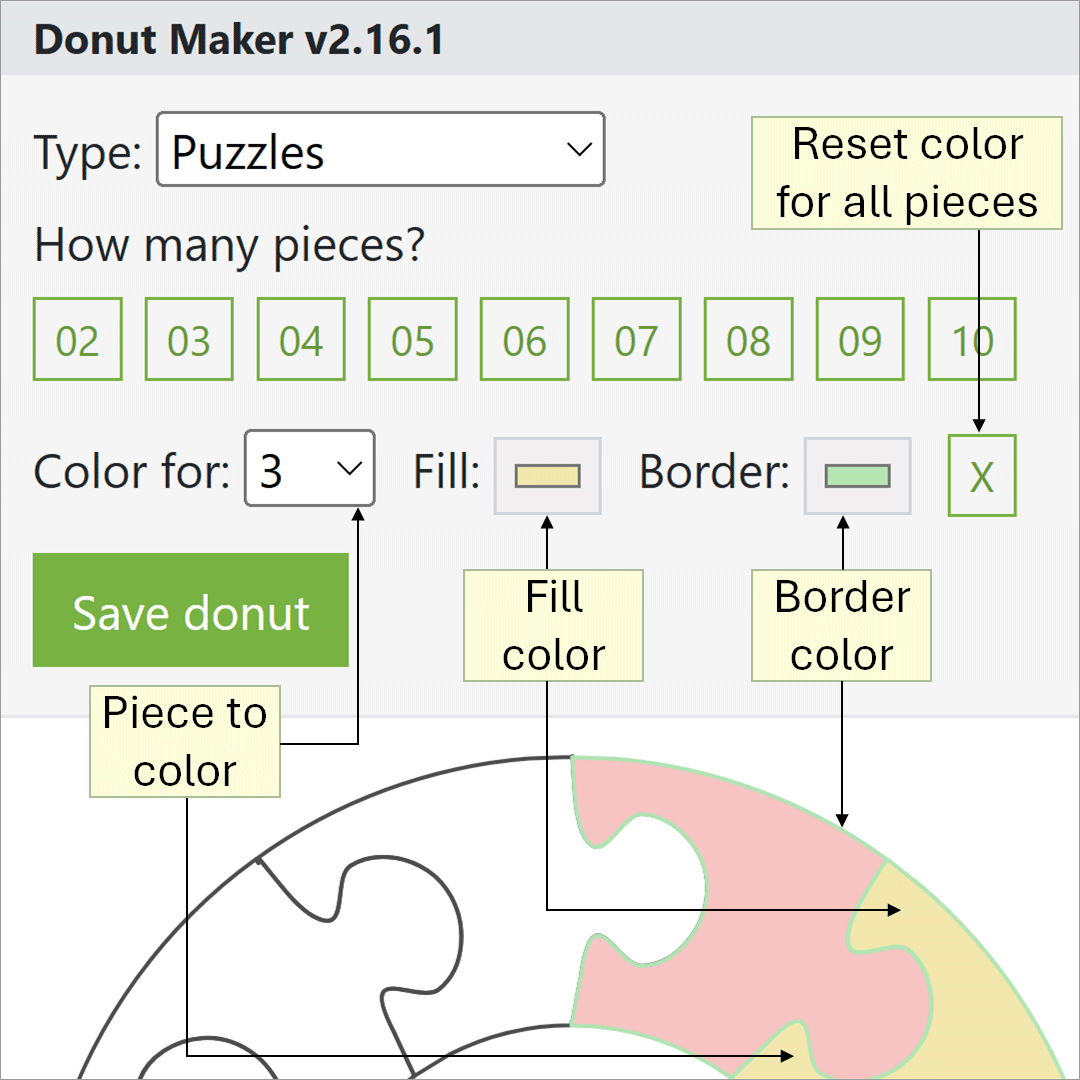
To colorize a particular piece, simply select the piece number. Then, click on the fill or border option to colorize your piece.
Clicking the X button resets colors for all pieces.
Note: Your color dialog box may appear differently on certain web browsers.
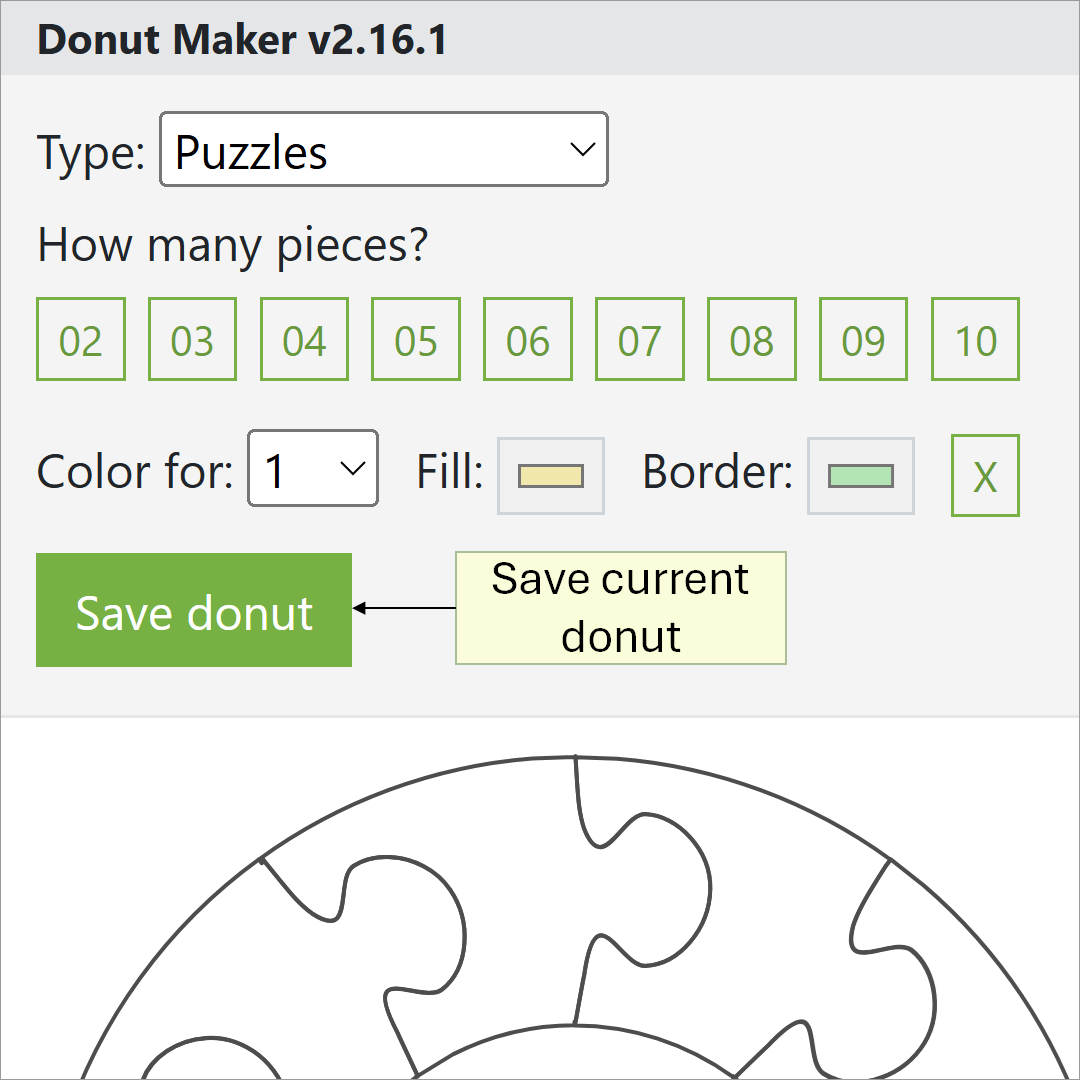
Clicking Save donut will download your current donut as a SVG file.
You can use SVGs in various desktop apps, including PowerPoint, Illustrator, and Inkscape.
Using Donut Maker with other apps will allow you to create great designs faster.
Here are some related tutorials for the Donut Maker.
Below are the 15 electronic donuts in the Donut Maker collection. We think of these pieces as art. So, perfection is not key. Also, some donuts are out of this world. But, if you use your imagination, then you will make any piece work for you.
This selection is all you need to start creating something new and nice. Enjoy!
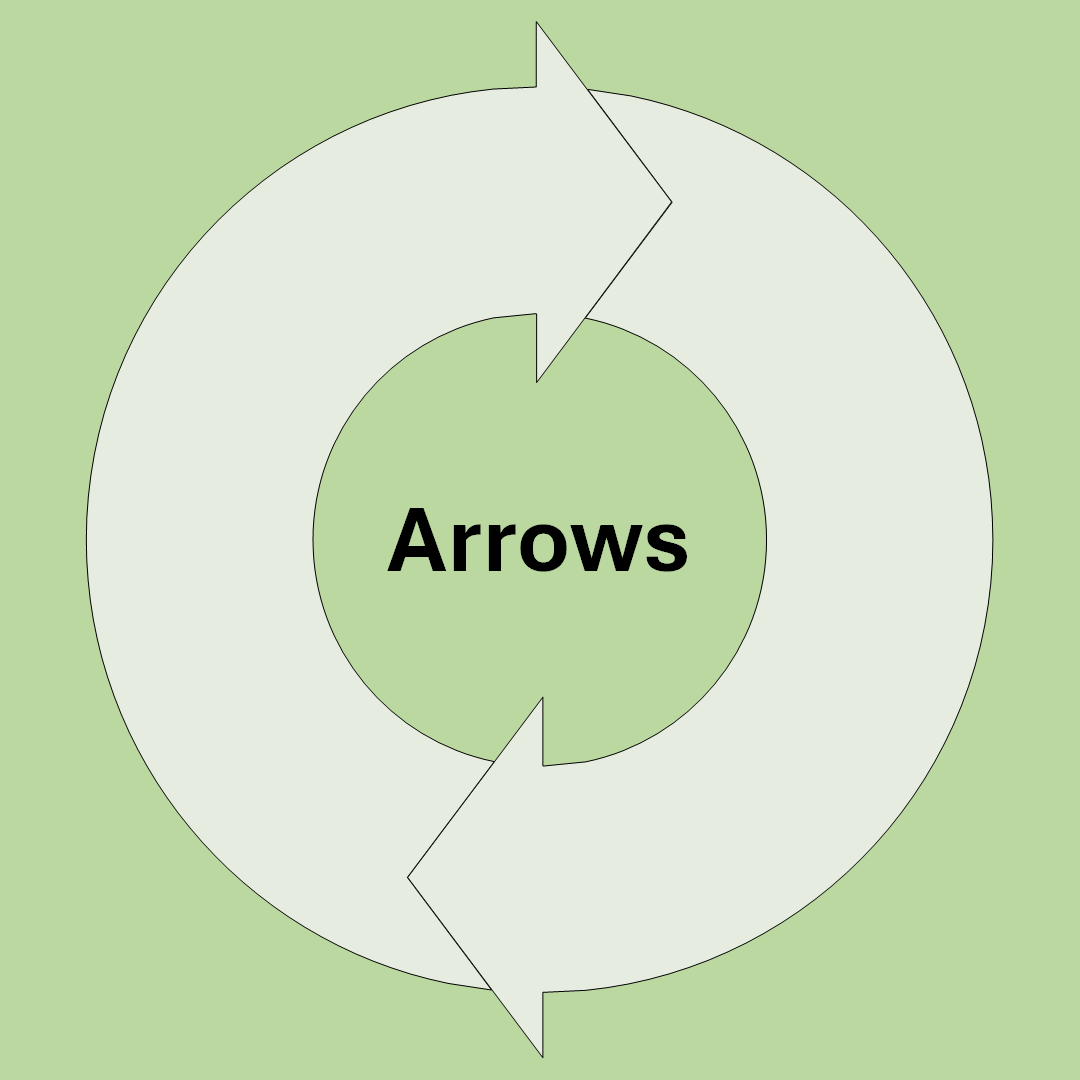
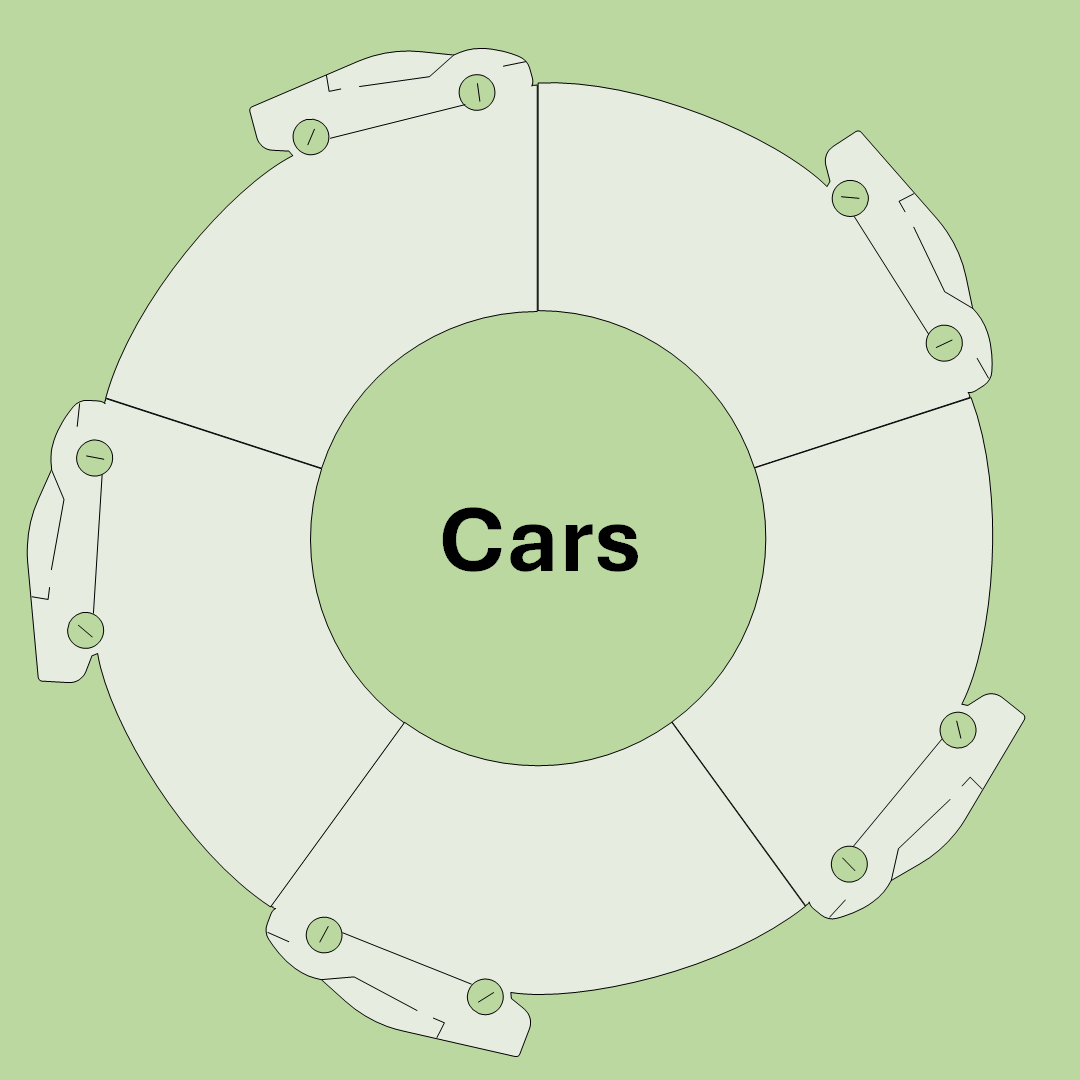
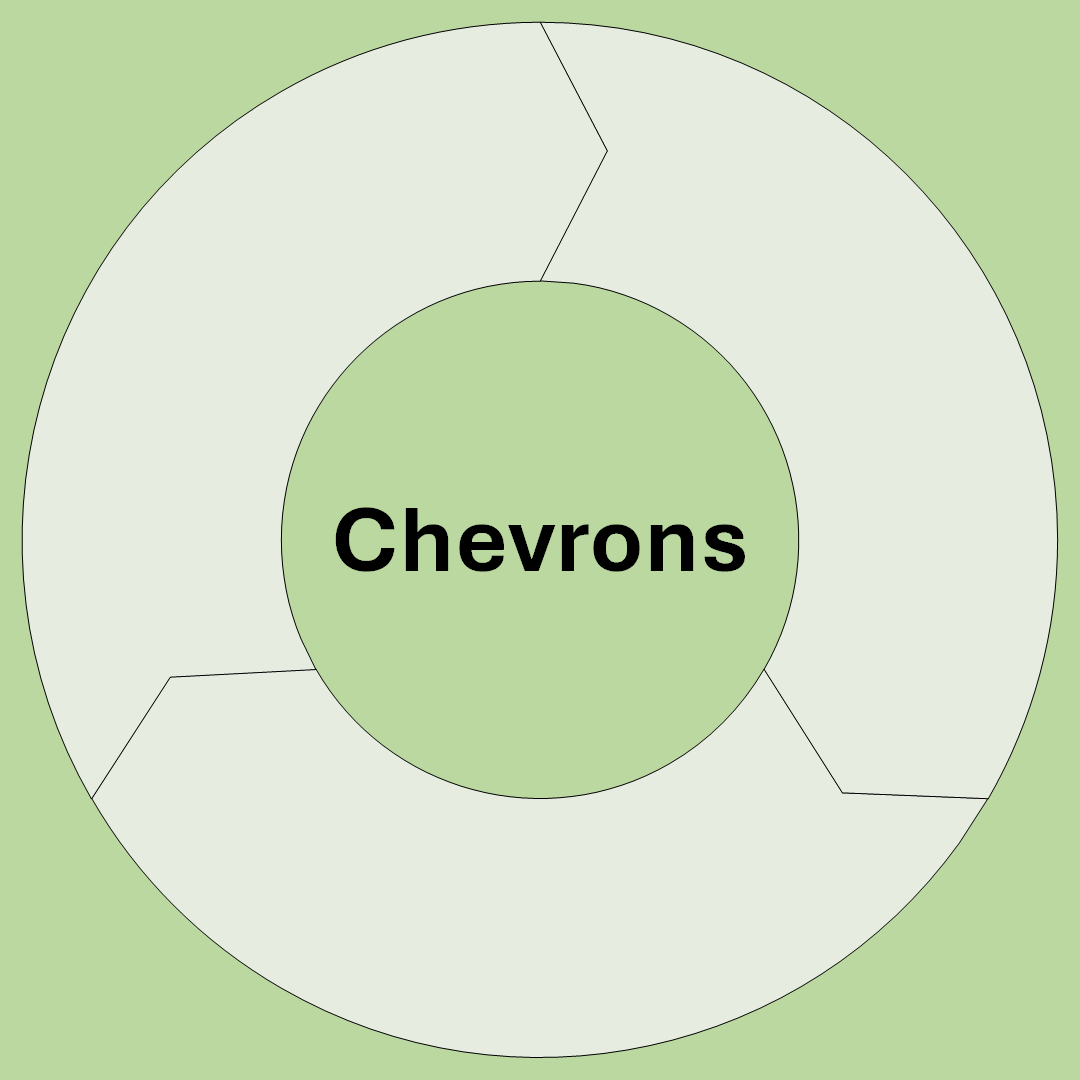


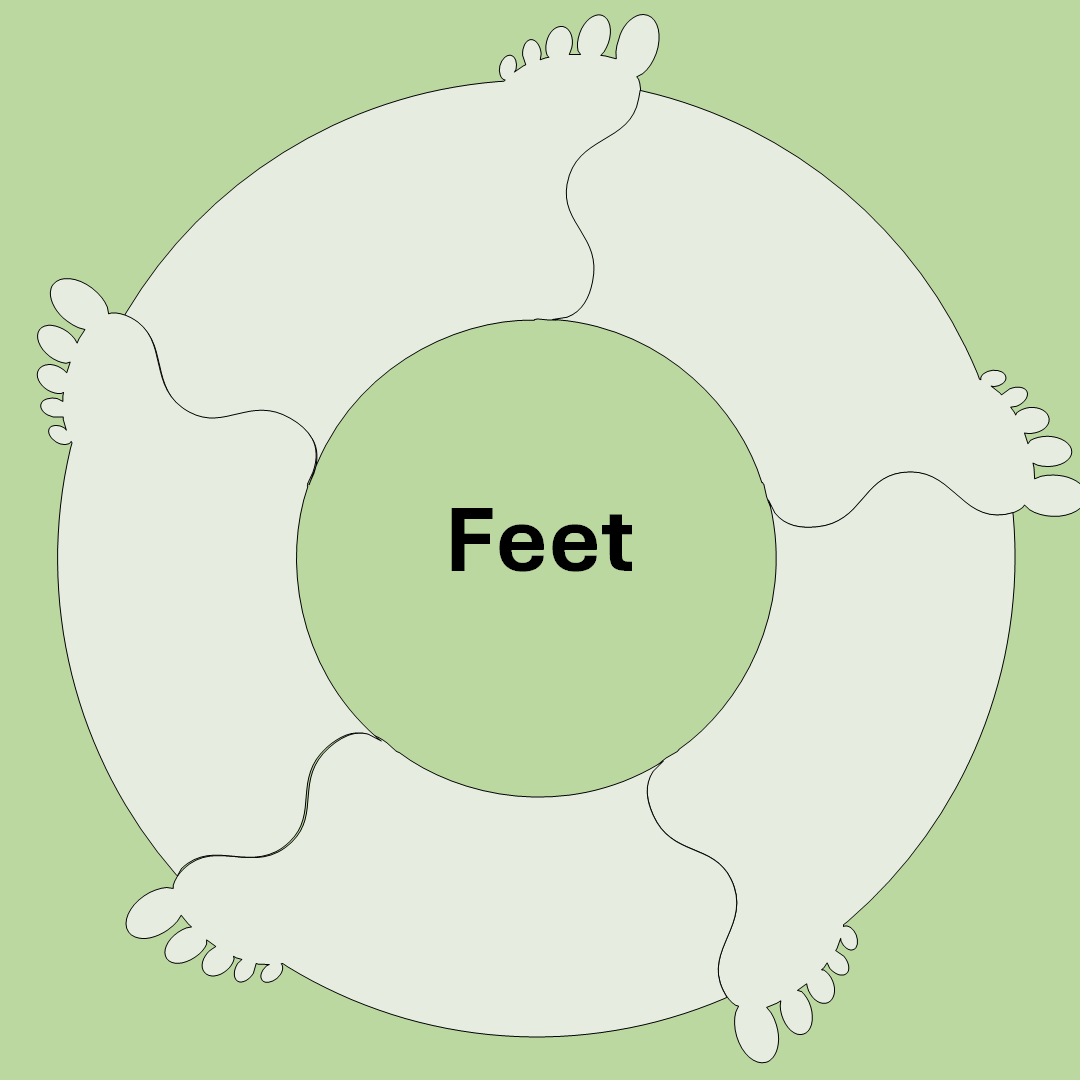


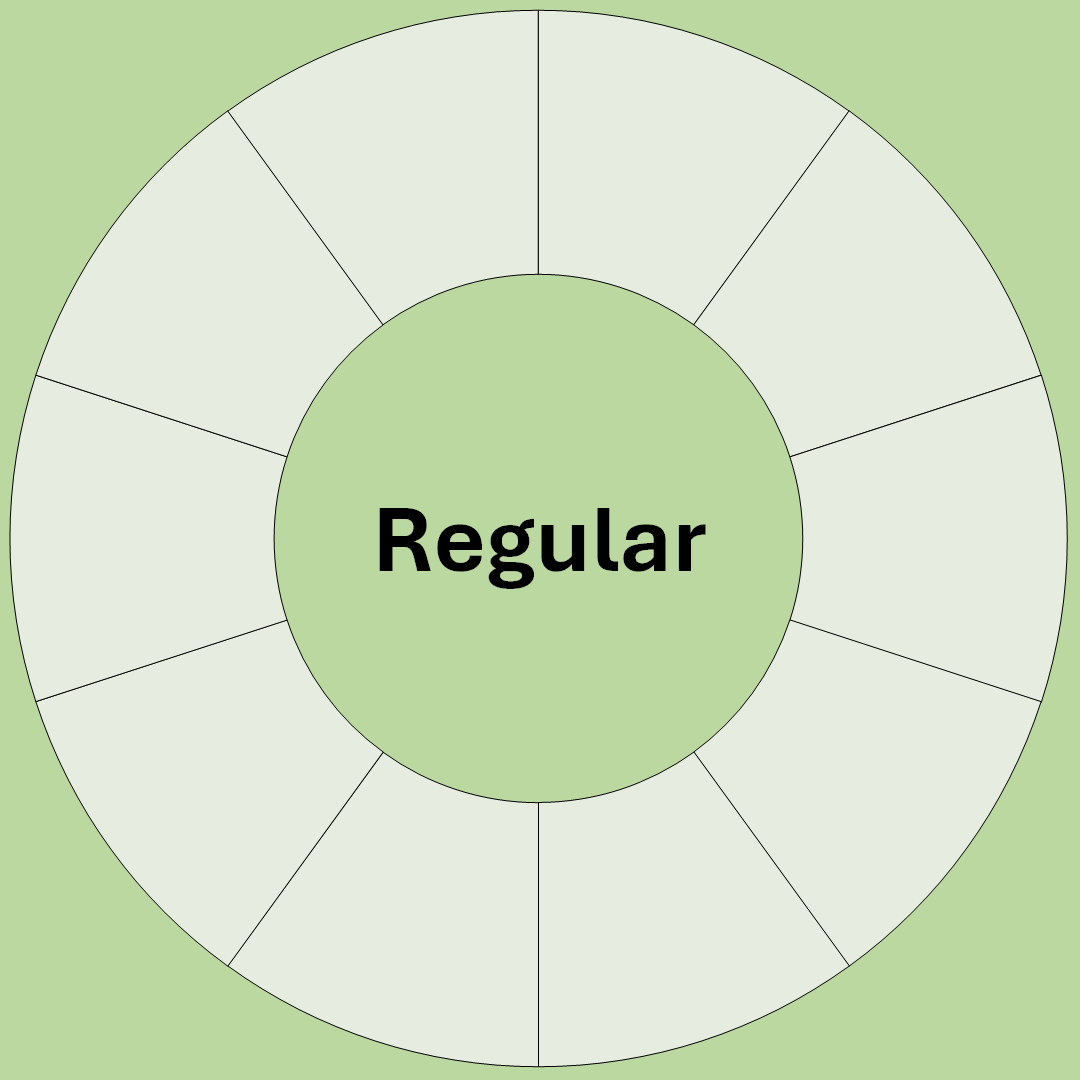
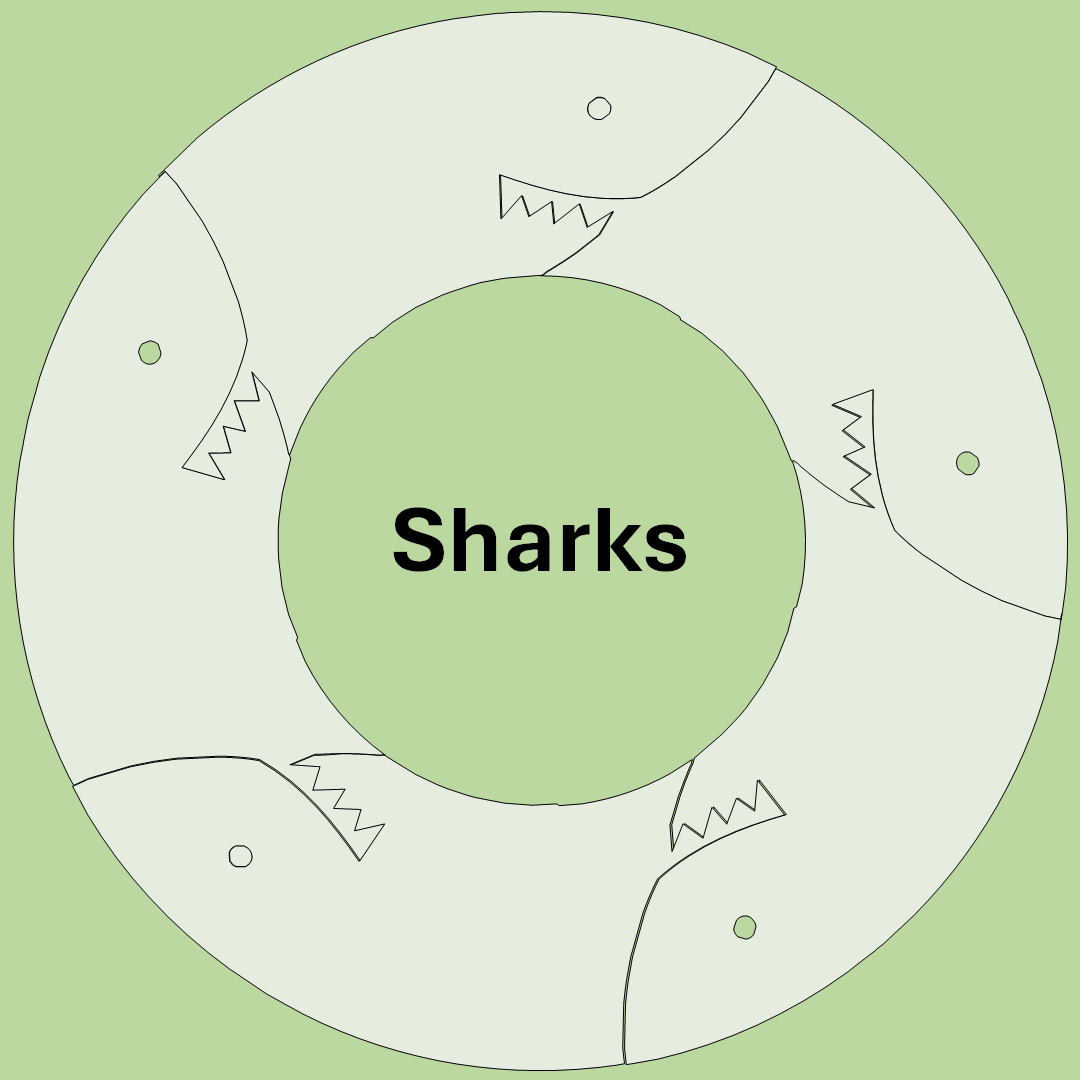

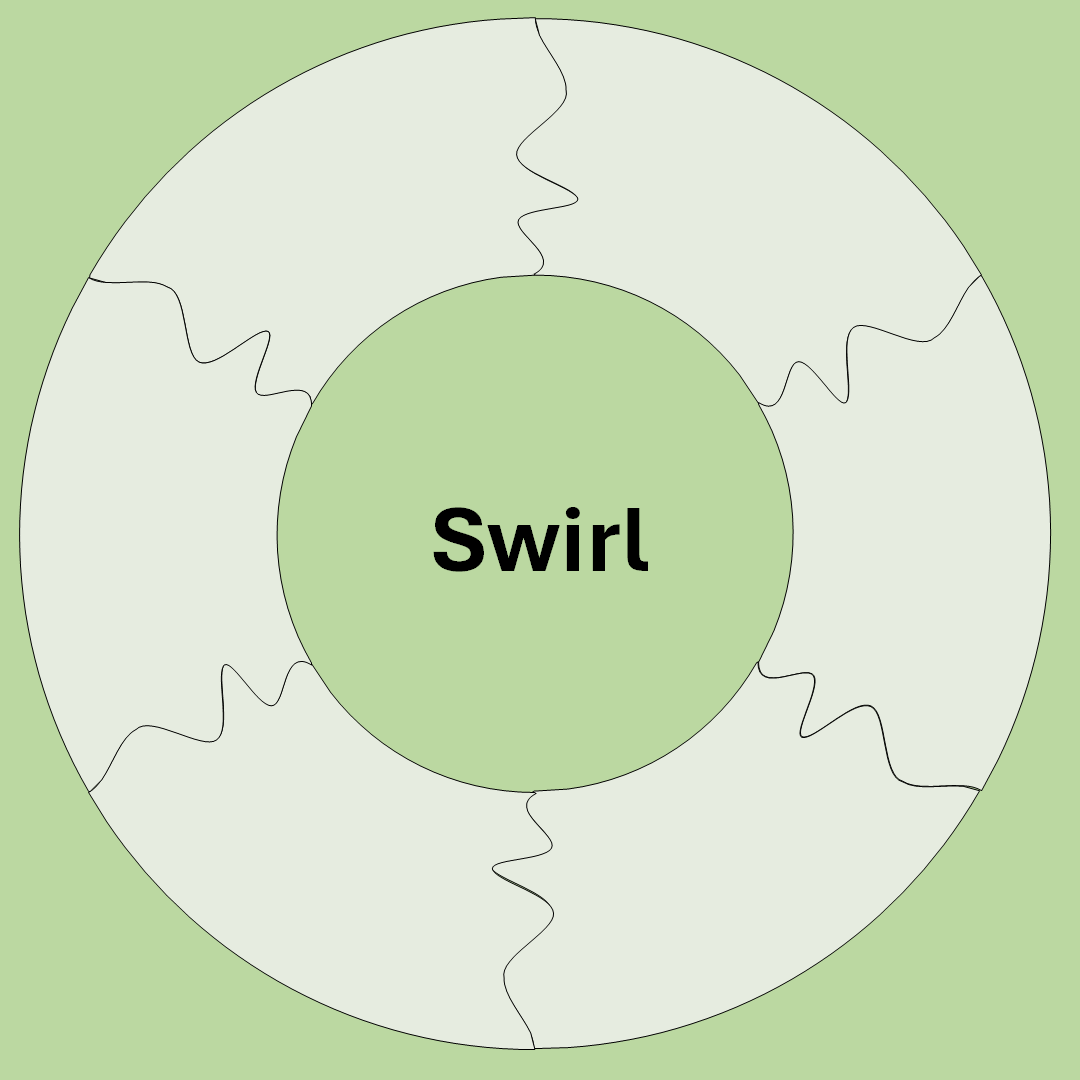
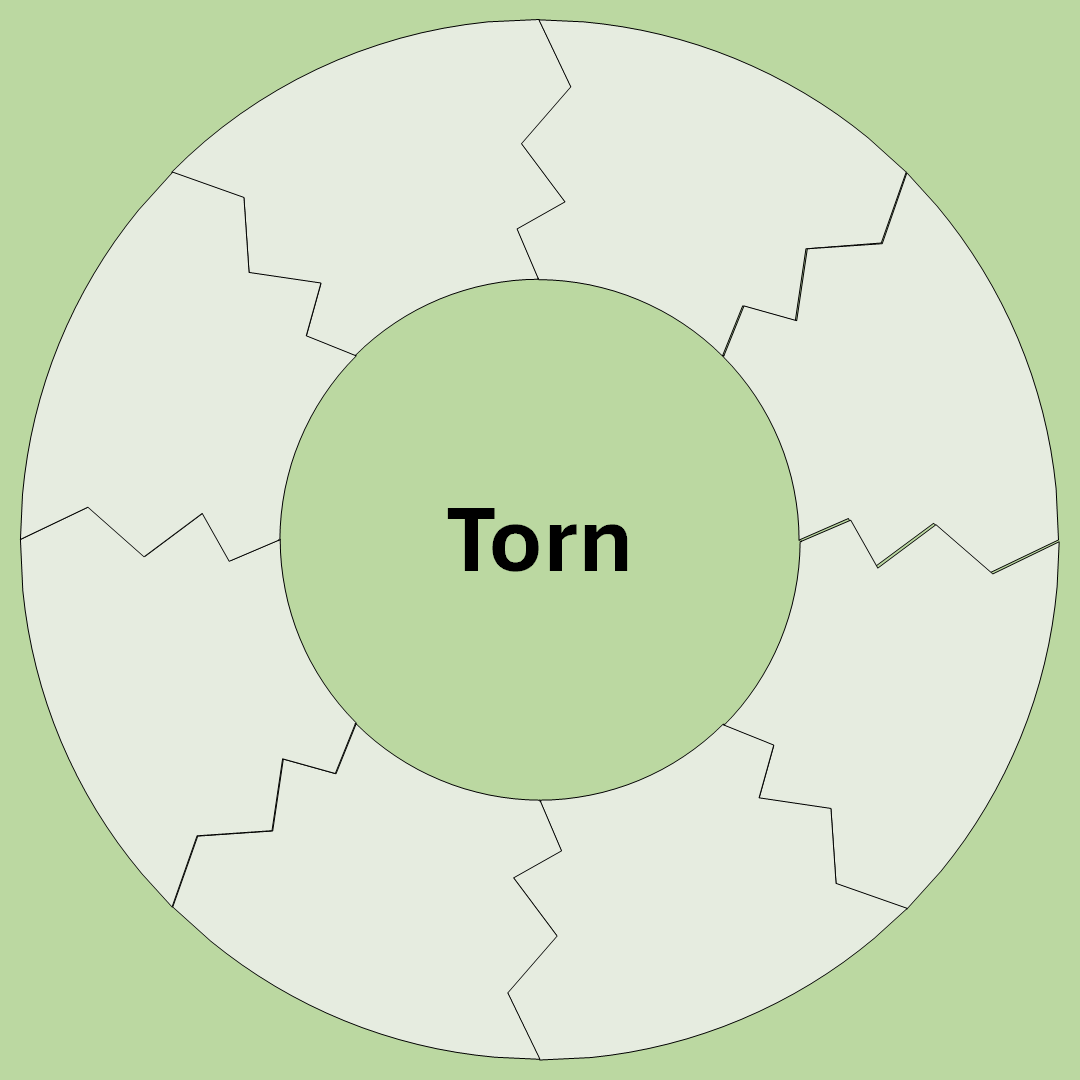
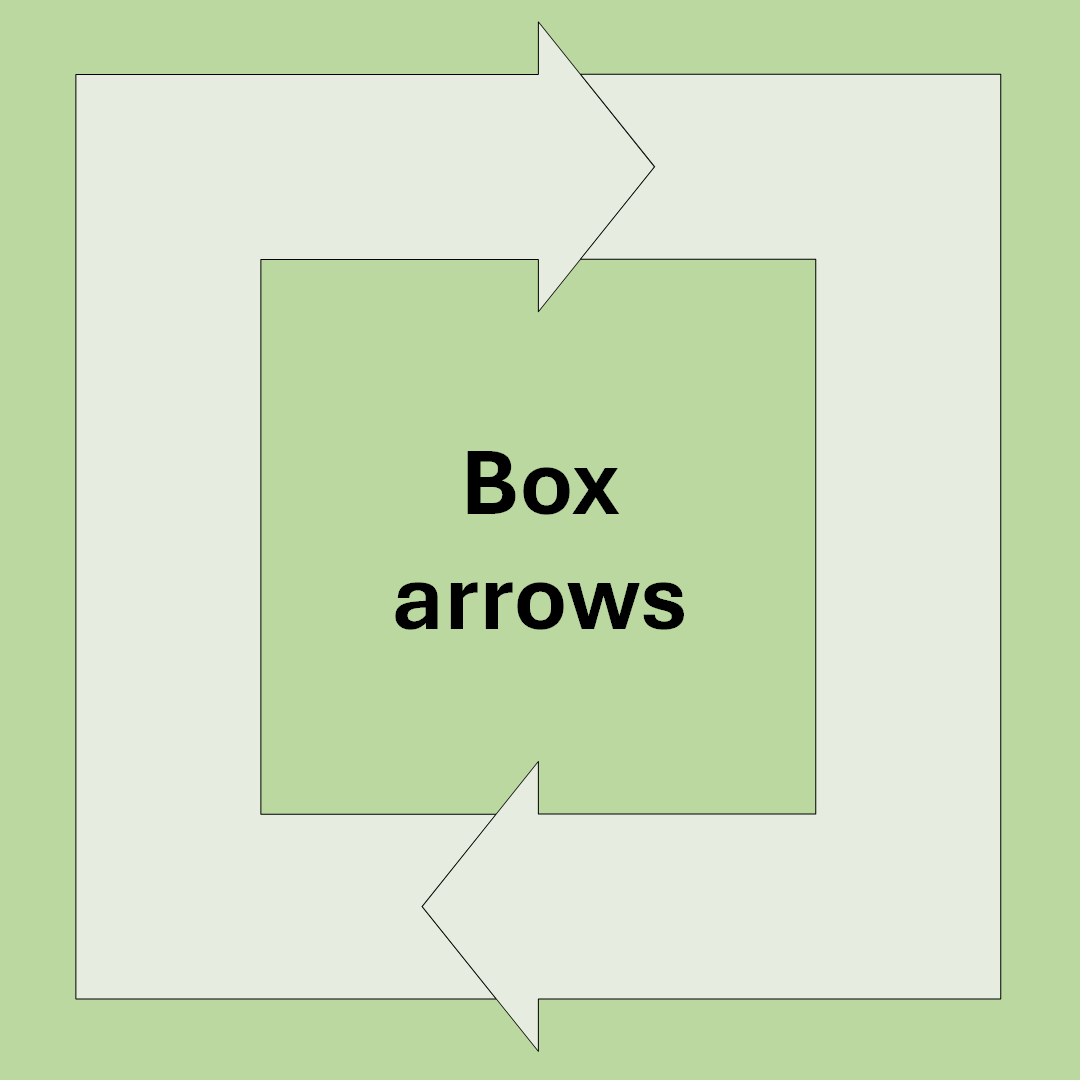

Each of these electronic donuts are customizable to the same specs.
In addition to the Donut Maker online app, we use other presentation tools and design software to enhance the work.
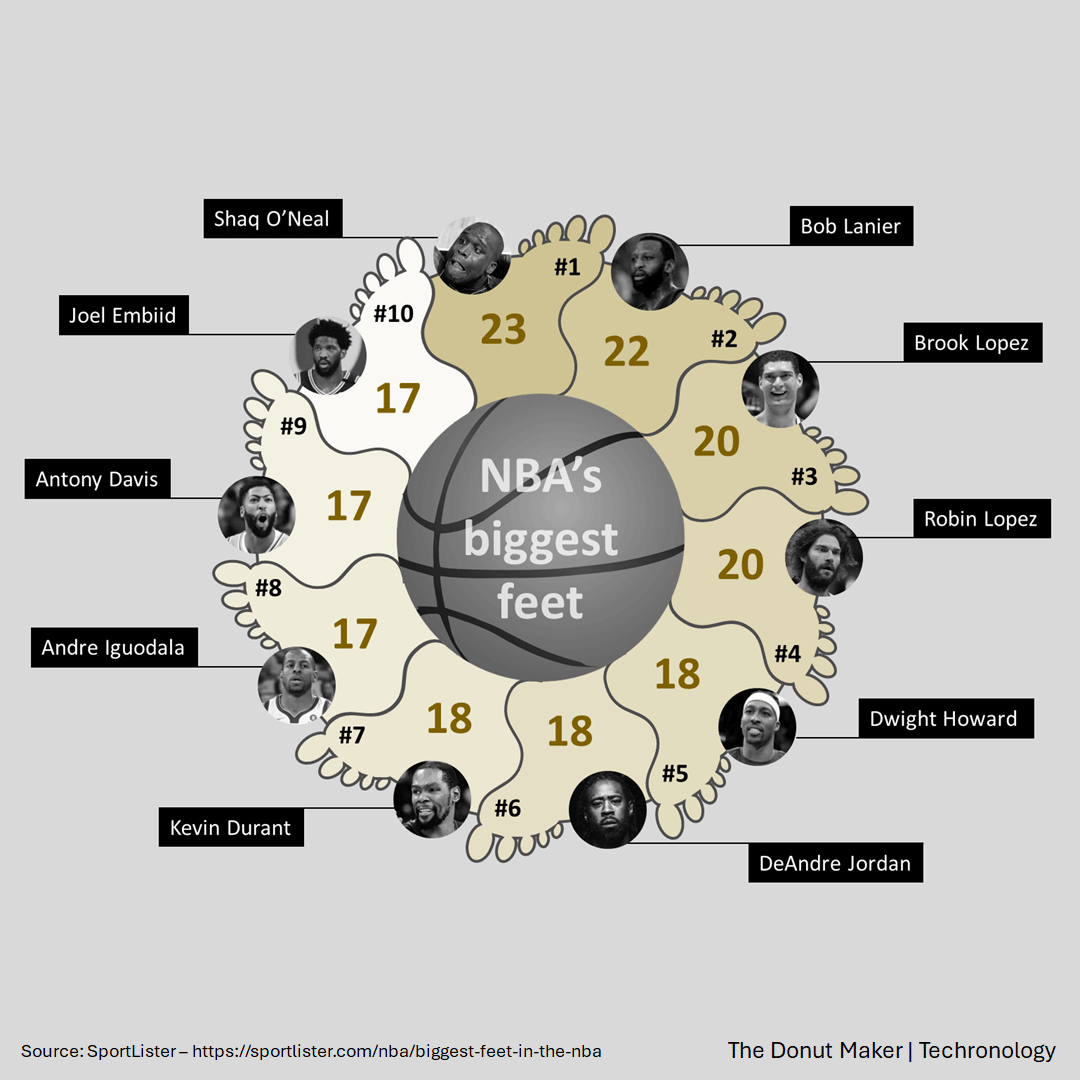

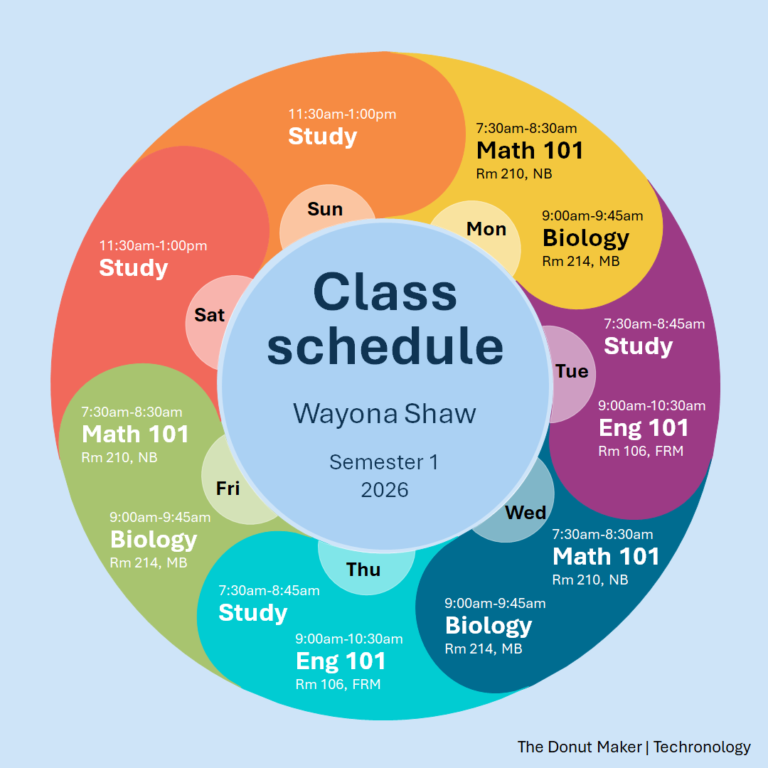
Below are some items related to the Donut Maker.