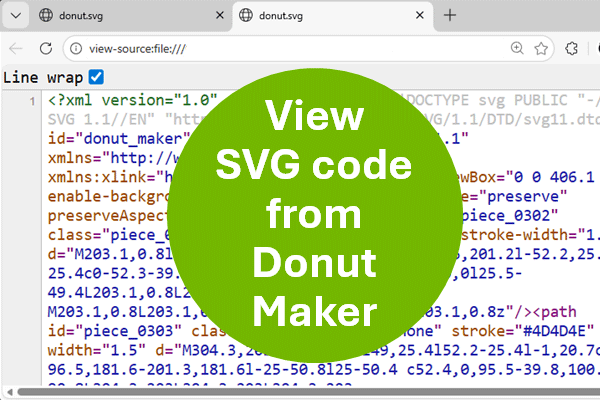
Overview to view SVG code
On the whole, this quick tutorial shows you how to view SVG code.
For the purpose of this instruction, we will use a SVG file from the Donut Maker. Therefore, open Donut Maker online. On our end, we are using the Edge browser.
Steps to show code from SVG file
Follow the steps below to view code from a SVG file in Donut Maker.
Step 1: Save your donut object
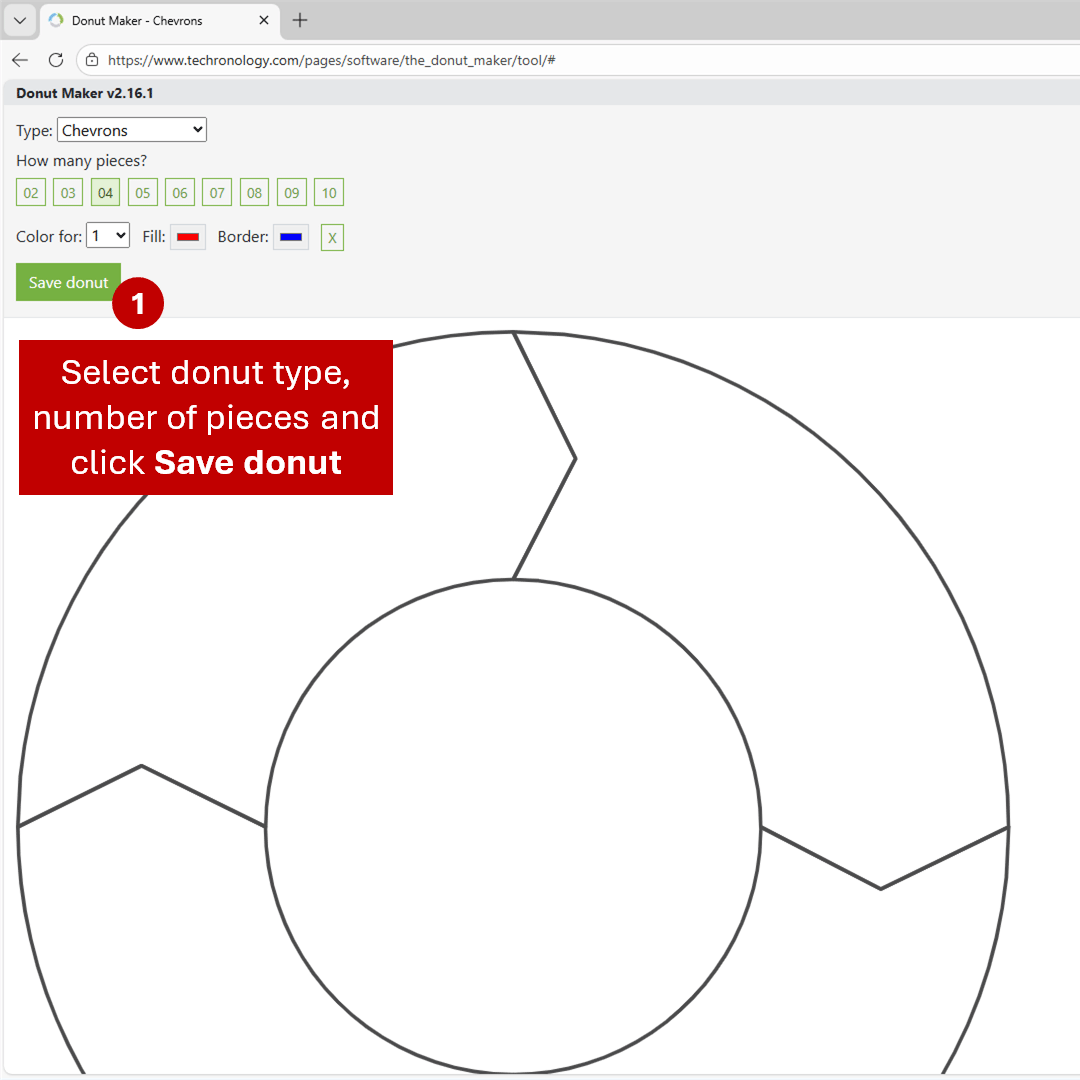
- Click Save donut from the Donut Maker. Automatically, the browser saves your shape as a SVG file.
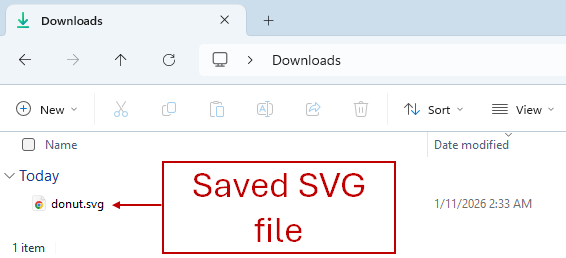
So, our file is automatically goes into the Downloads folder, with the .svg extension. Note: Your downloads file location may be in a different folder.
Step 2: Open SVG file in browser
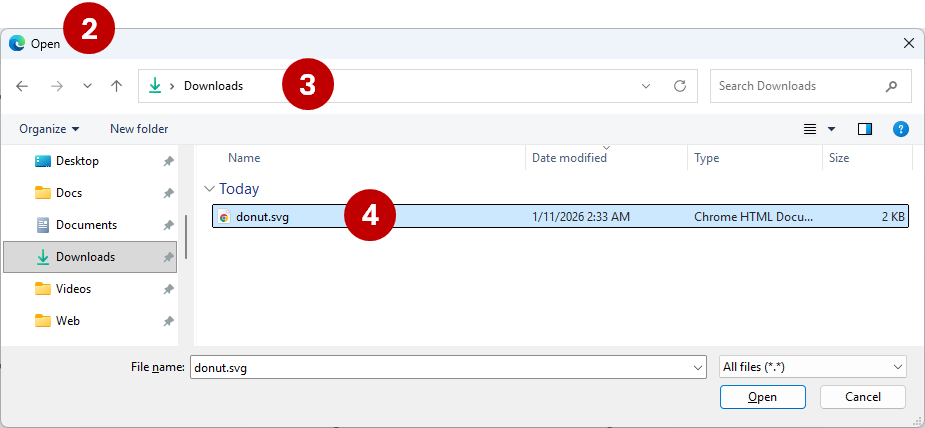
- In your web browser, press keyboard shortcut Ctrl + O (Windows) or Command-O (Mac) to display the Open dialog box. If there is a menu in your browser, then select File…Open.
- Navigate to the Downloads folder or to the location of the saved SVG
- Finally, select your SVG file and click Open or OK
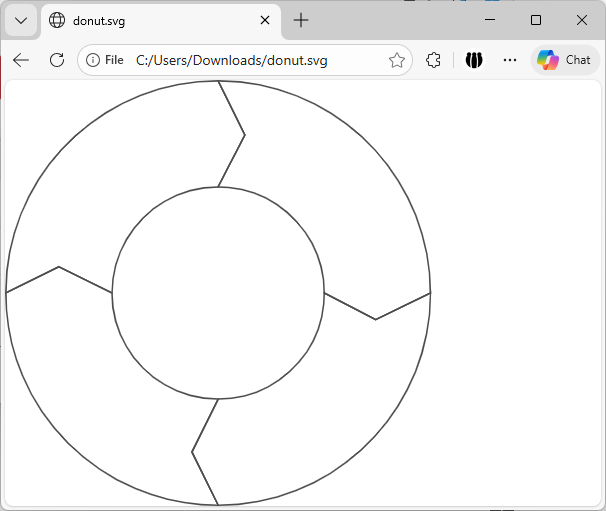
As a result, your SVG image appears in the browser (see below).
Step 3: Show SVG code
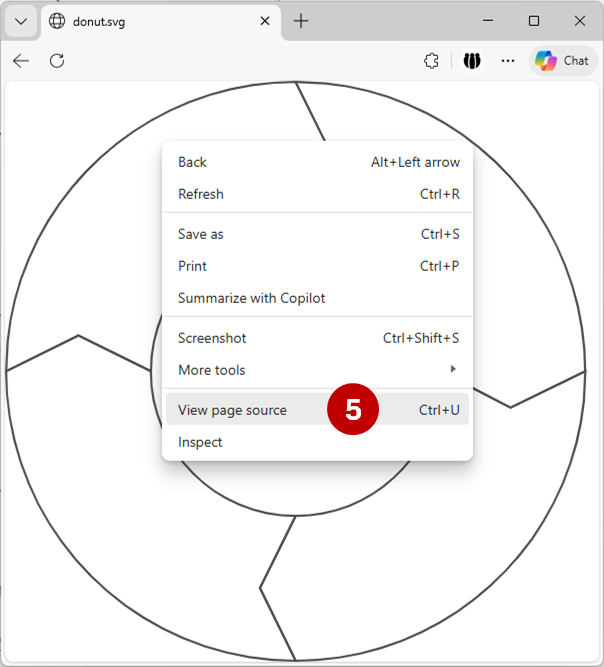
- Display the shortcut menu by right-clicking somewhere on the screen with a two-button mouse in Windows. Or, press keyboard shortcut Shift + F10 (Function key 10). On the Mac, press Control + Click.
Also, notice in the Windows shortcut menu, you can press Ctrl + U to show page source.
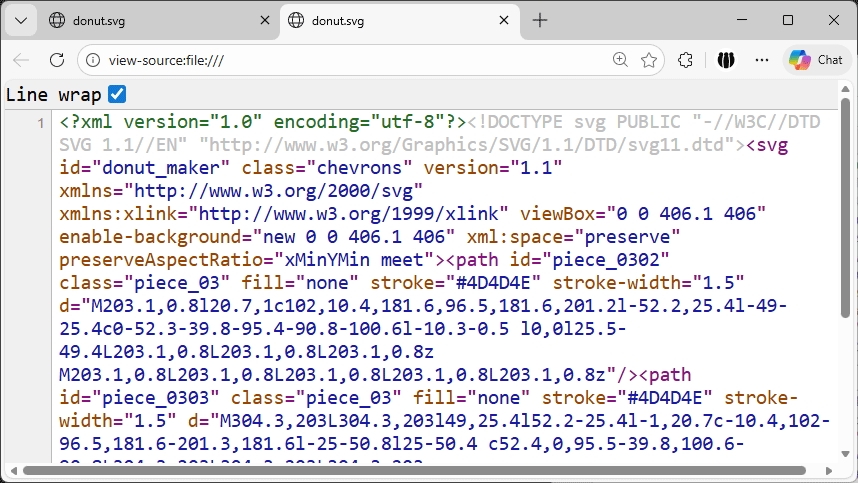
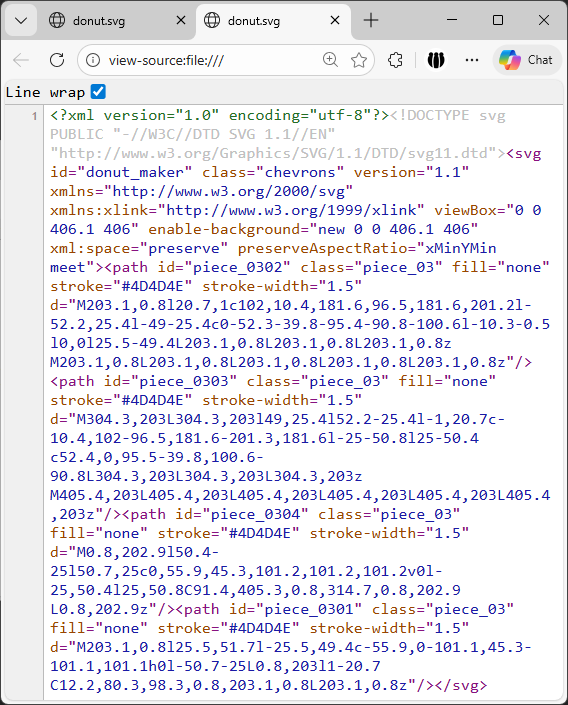
From the shortcut menu, select View page source. Hence, the code is shown in a separate window as is below.
Note: Click on the Line wrap check box to allow the code to show across multiple lines.
Conclusion and notes
Since the code is slightly minified, it may be difficult to read. It is not the structured version. Essentially, it is one line of code. Most likely, this is done to speed up load time. But, you can easily copy the source and make modifications.
If you plan to copy and use this code, then you only need the <svg> portion. Anything before <svg>, you do not need. Same goes for anything after closing </svg> tag. SVG files start and end with SVG tags.
Of course, you can also view the SVG source in a code or text editor.
Success
So, where you successful. If not, then give it another shot.