Office Monthly Calendar
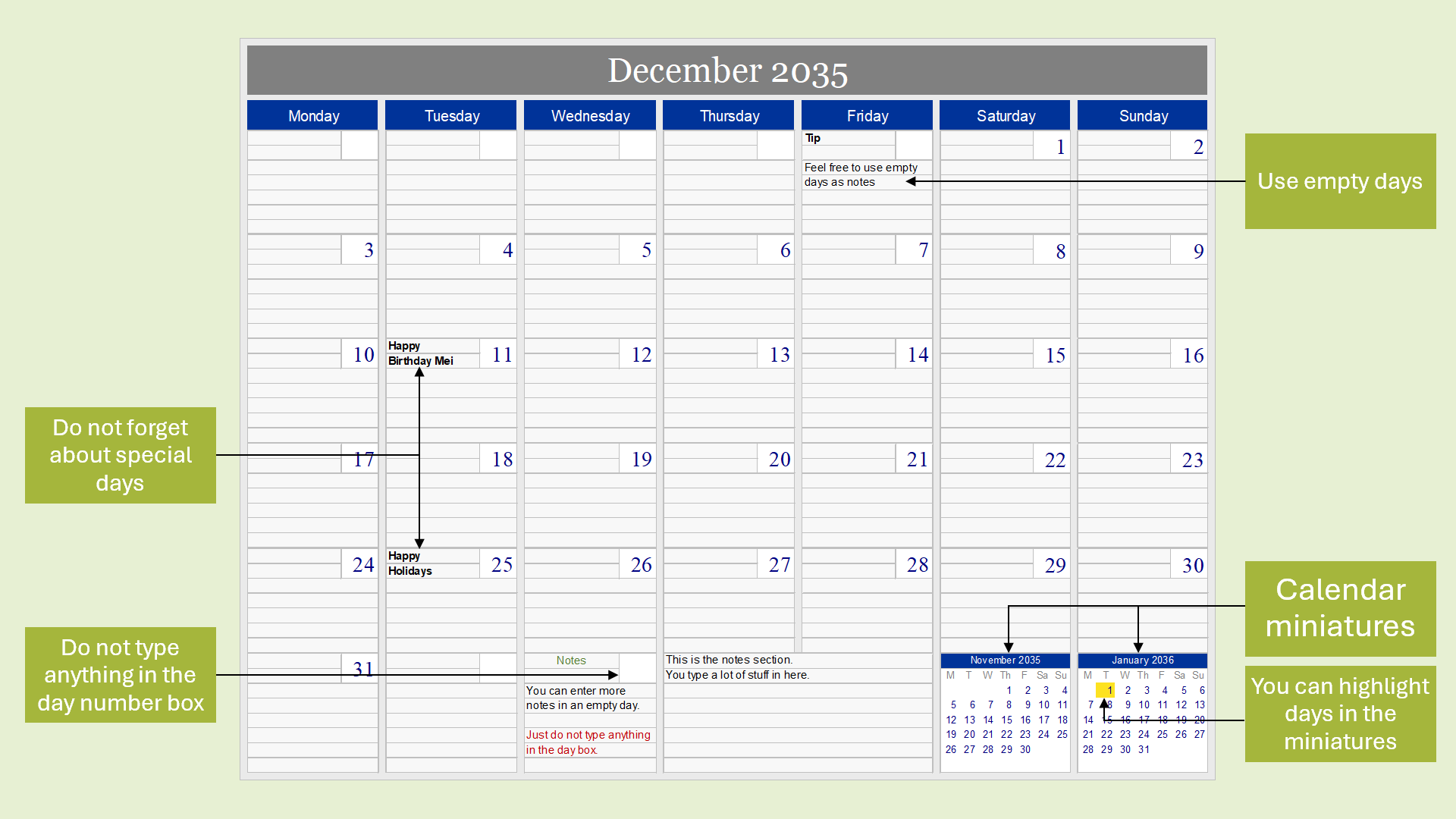
Easily organize daily tasks, projects, and special days with the Office Monthly Calendar.
Download
Size: 56.5 kilobytes

The Office Monthly Calendar is a great tool for Excel. It allows you to enter text for any day and includes monthly miniatures.
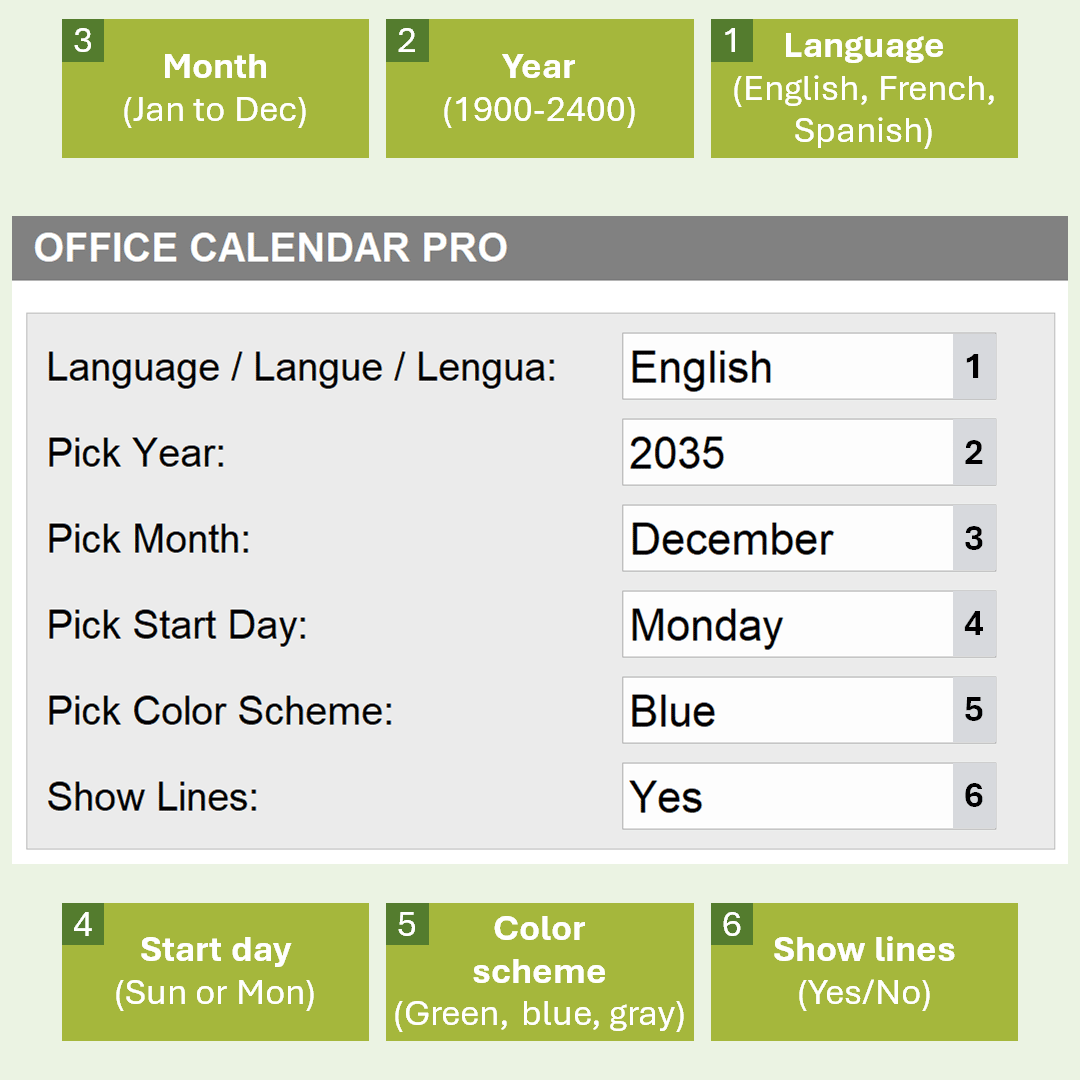
Use the control panel to select a language, year, month, and color scheme. Also, pick the start day and show or hide monthly lines.
Note: We no longer provide support for the Office Monthly Calendar.
Requirements
Excel 2007 or higher or compatible
Download
Size: 56.5 kilobytes
| Application | Excel (Start version – 2003; end version – 2007) |
| Date created | October 9, 2009 |
| Last modified | June 17, 2011 |
Use the control panel customize your calendar. There are six options in this panel – Language, year, month, start day, color scheme, and show lines.
Of course, once you select a language, almost every text item on the calendar tool changes.
Below are some items related to the Office Monthly Calendar.