This quick tutorial shows you how to draw two boxes in perspective with Artplotty Grid 21 (or APG21).
So, we plan to go through this instruction fairly quickly, with minimal commentary. Therefore, you may need to learn some of the basics first. See APG21 stuff in related section at bottom of this lesson.
Create the perspective guides
Draw box outlines
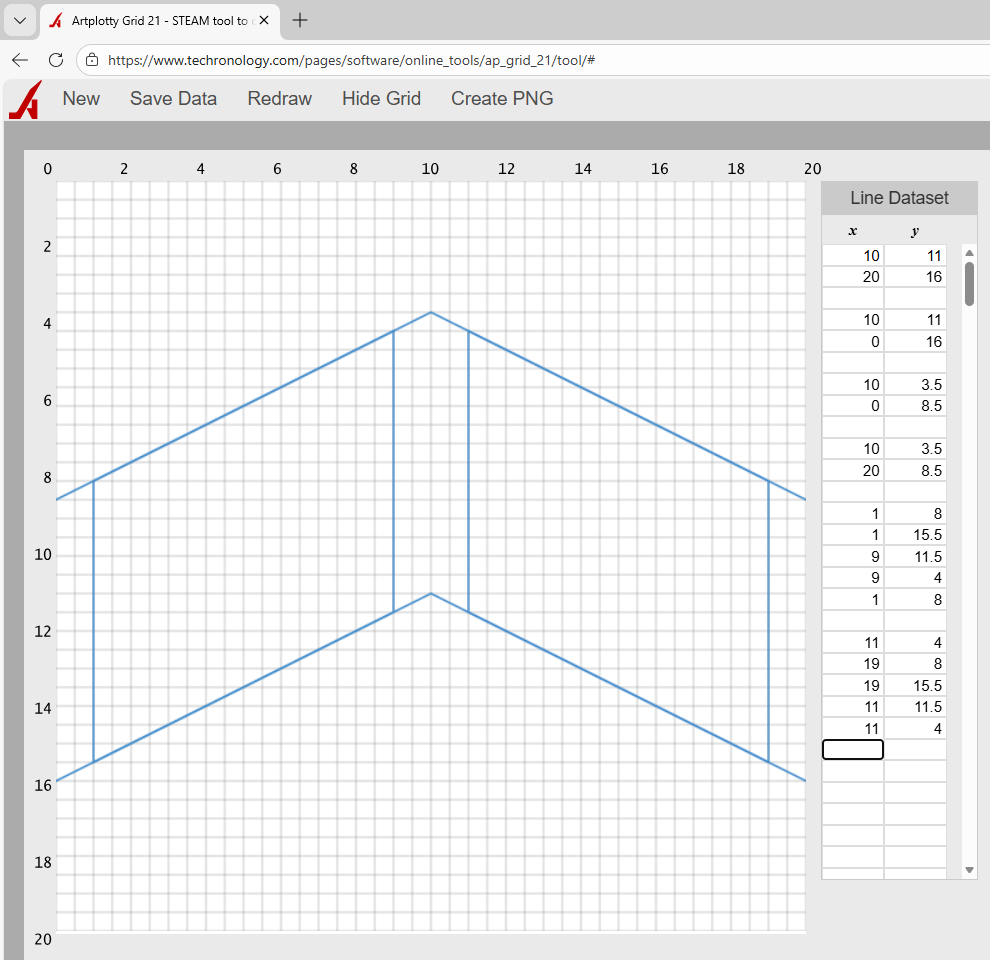
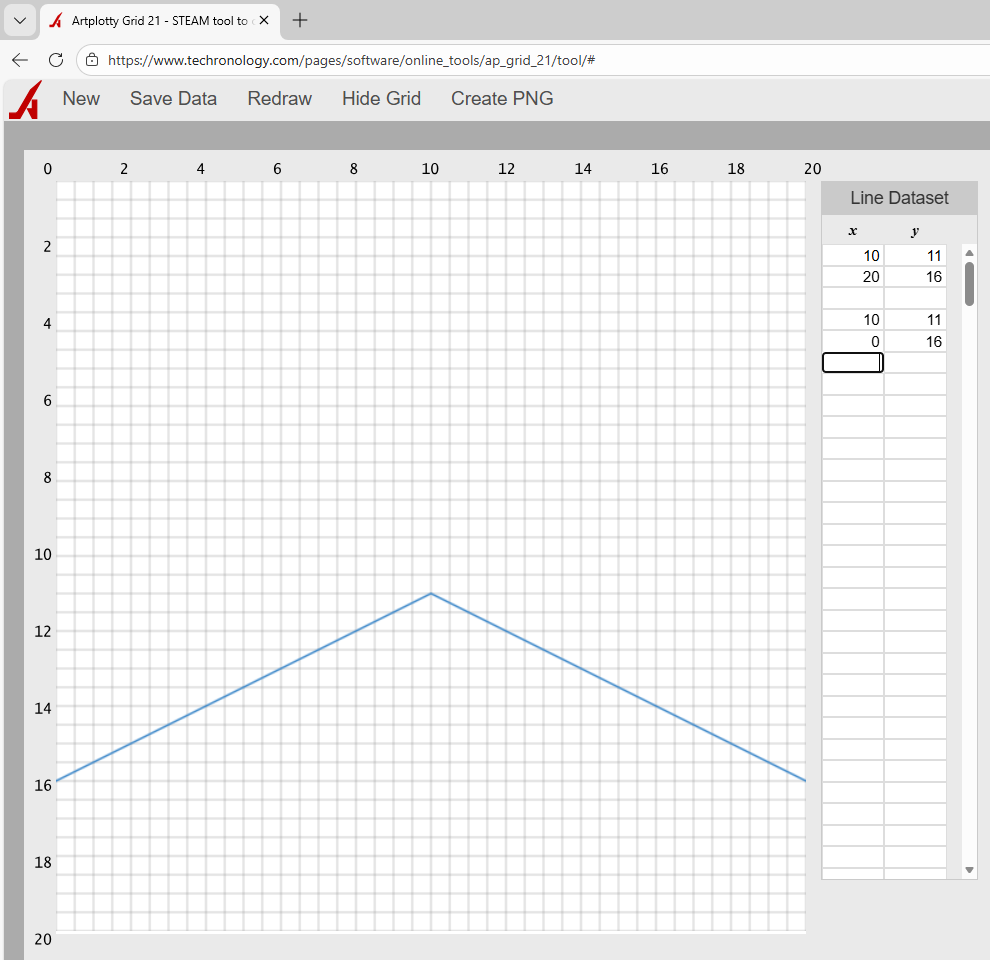
Currently, it kind of looks like a jet plane.
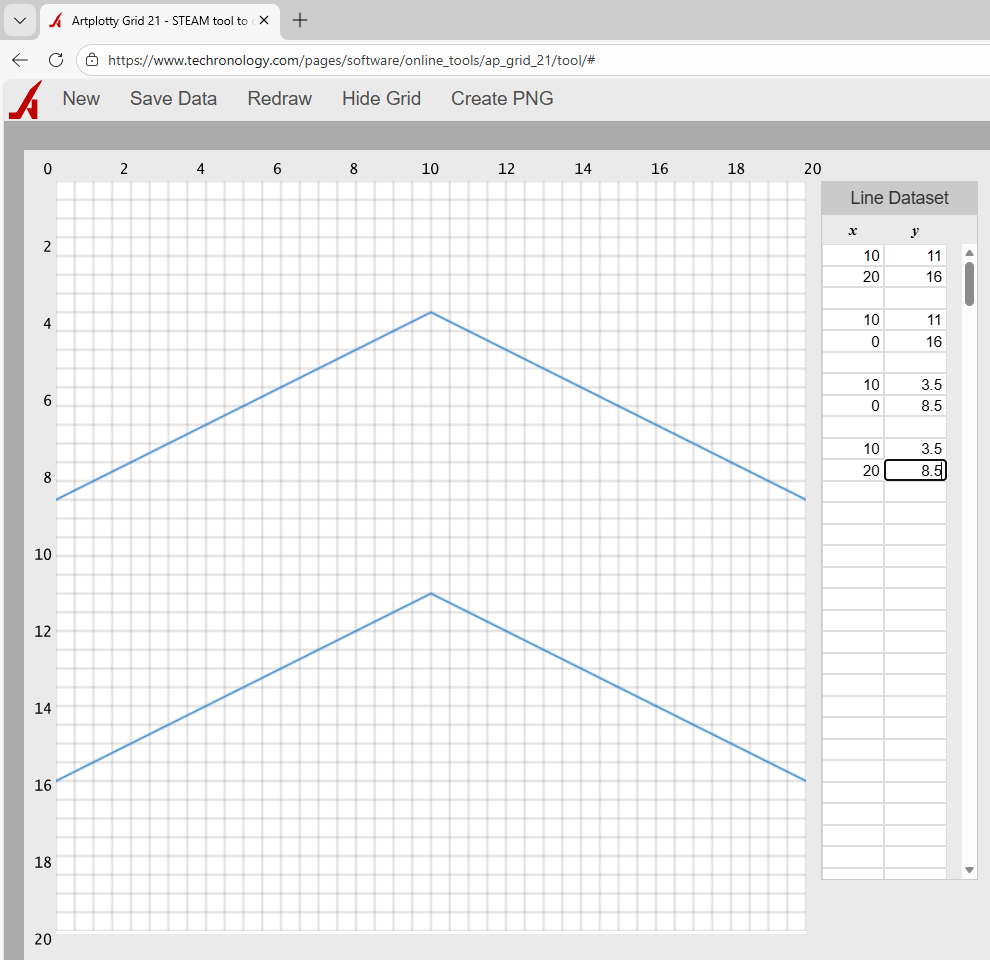
Create guides for inner boxes
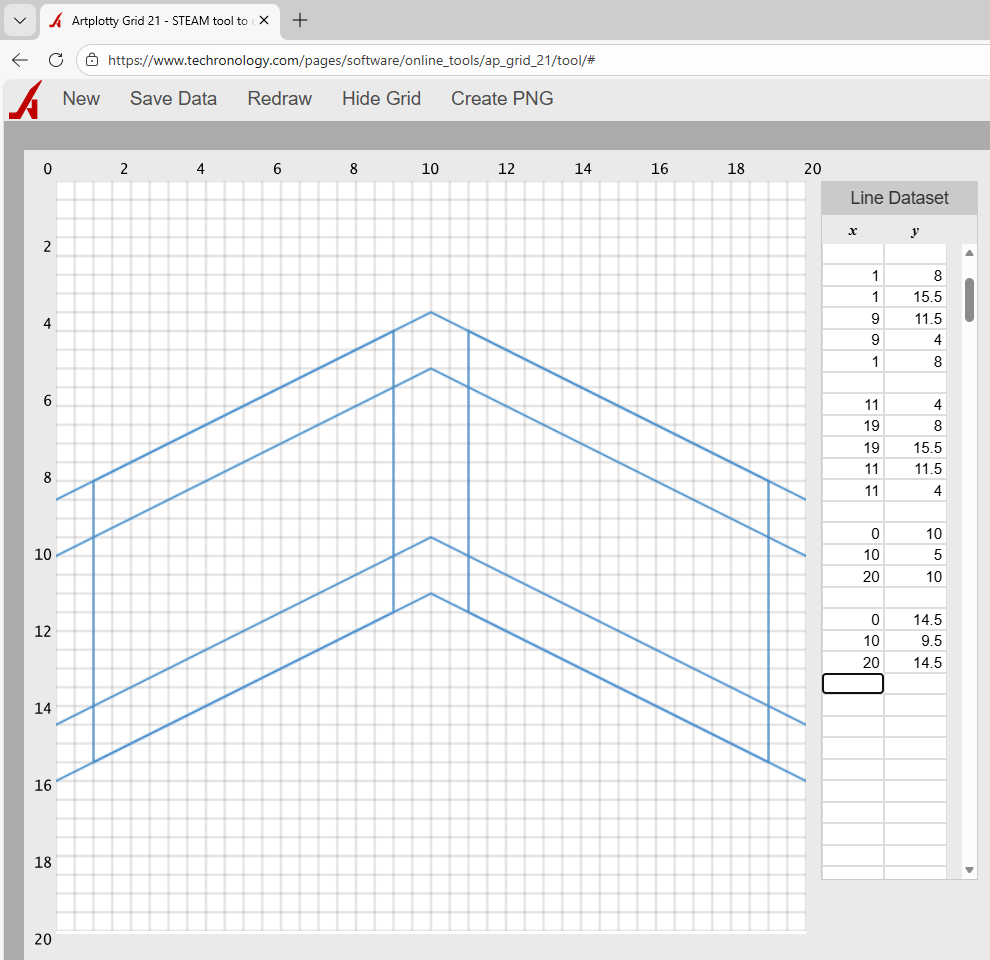
Remove outer guides
Next, remove the numbers that make up the outer guides and click Redraw.
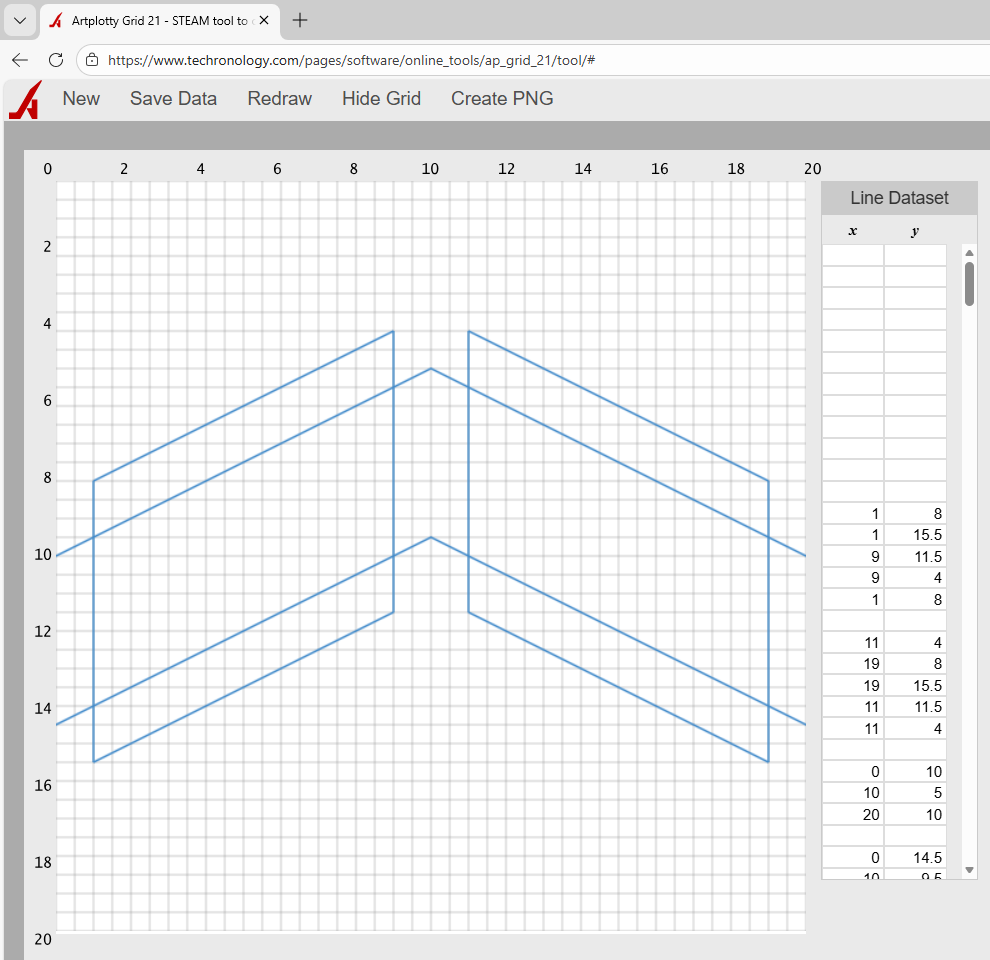
As a result of removing the outer guides, you see the boxes a little better. Also, space is available to add the inner boxes.
Create inner boxes
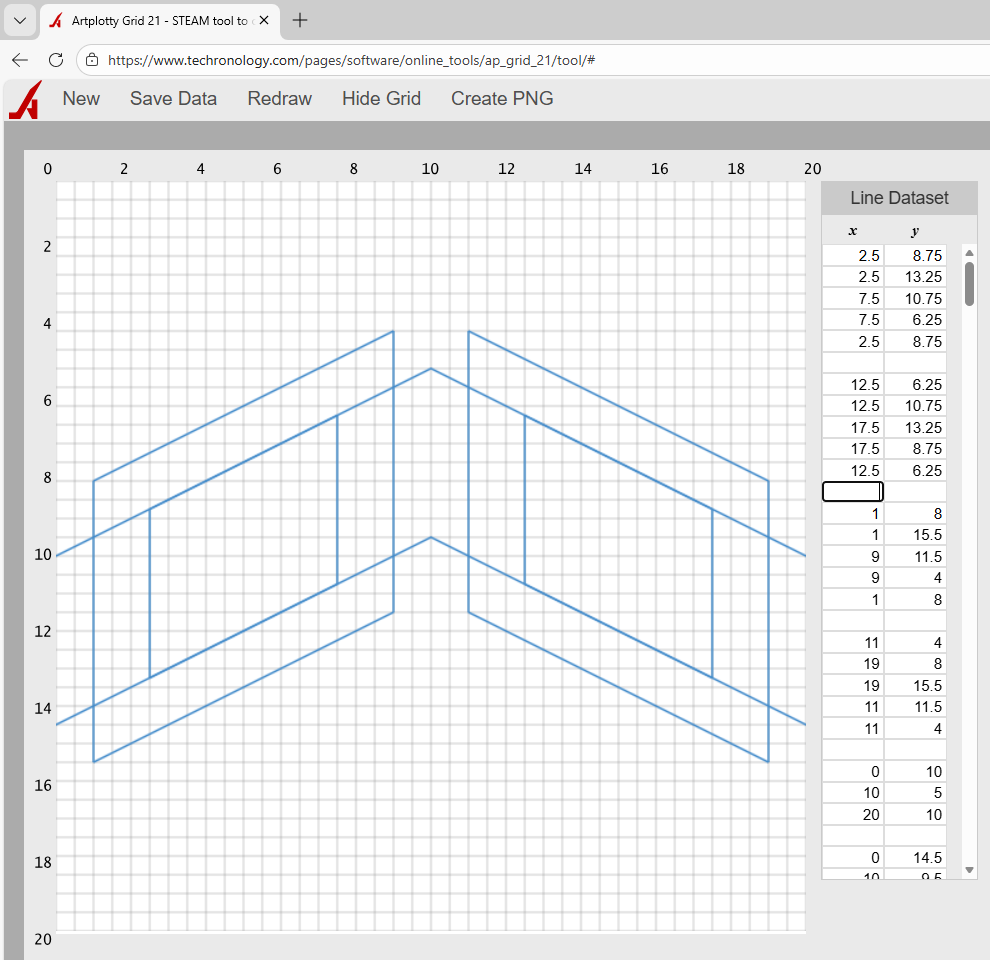
Remove inner guides
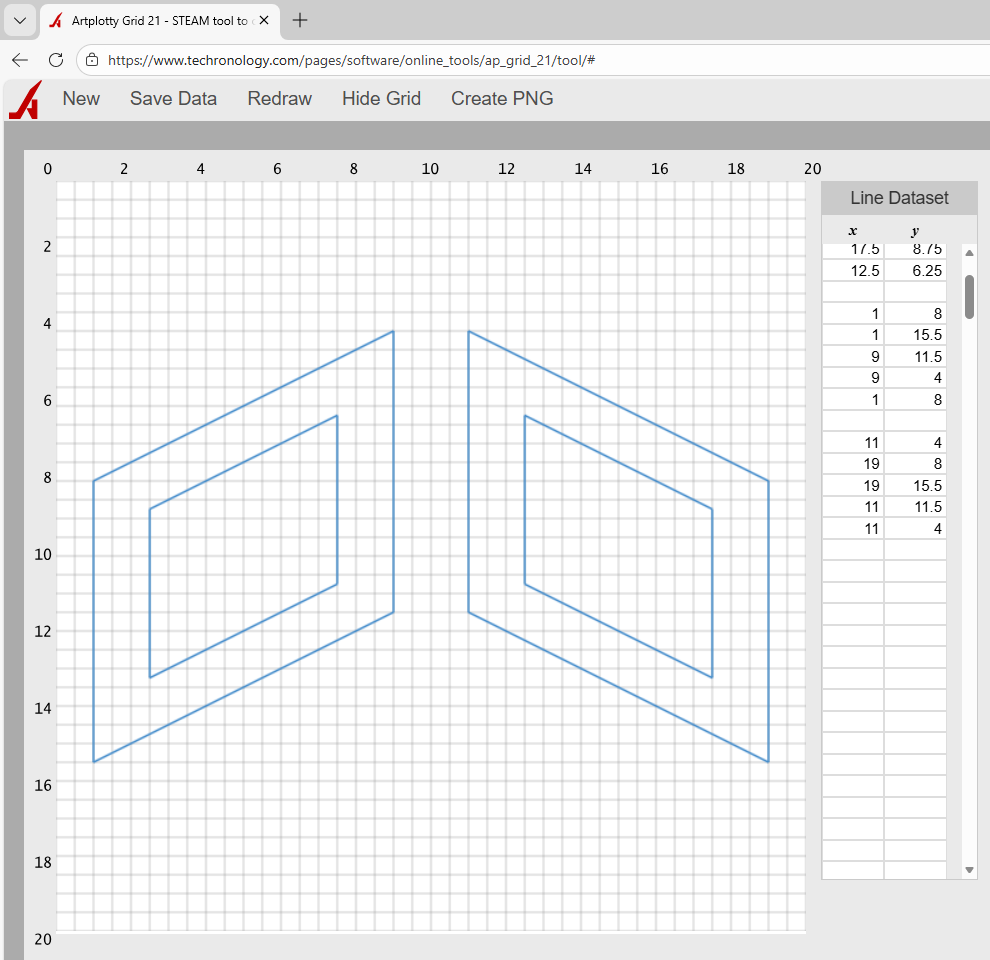
Success!
So, were you successful in this project. If not, give it another shot.
Remember, save your data if you plan to revisit the design. Additionally, click Create PNG to save as a transparent image.
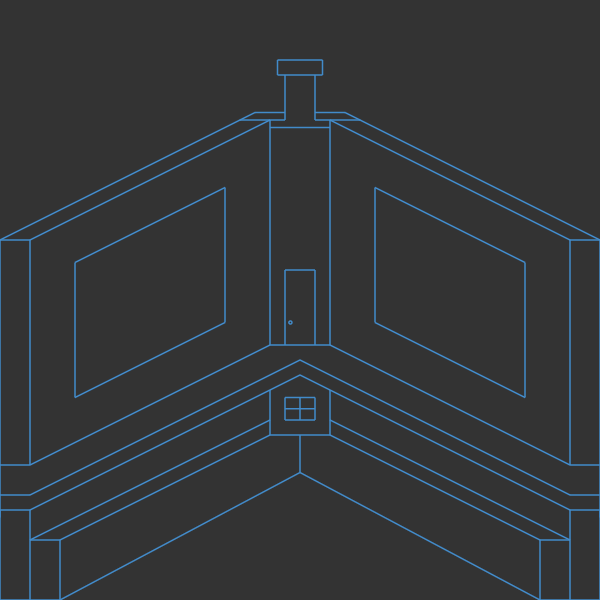
Below is our image with a dark background and some color.

Adding to the design
Of course, we are adding to the design. See what you can do…
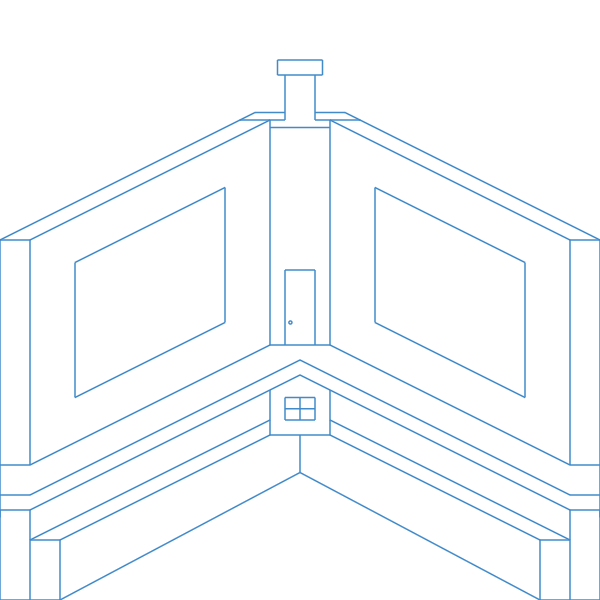
Ready to draw more boxes in Artplotty?
If you are ready to create more stuff in Artplotty, then click on one of the buttons below.